HTML
30 min
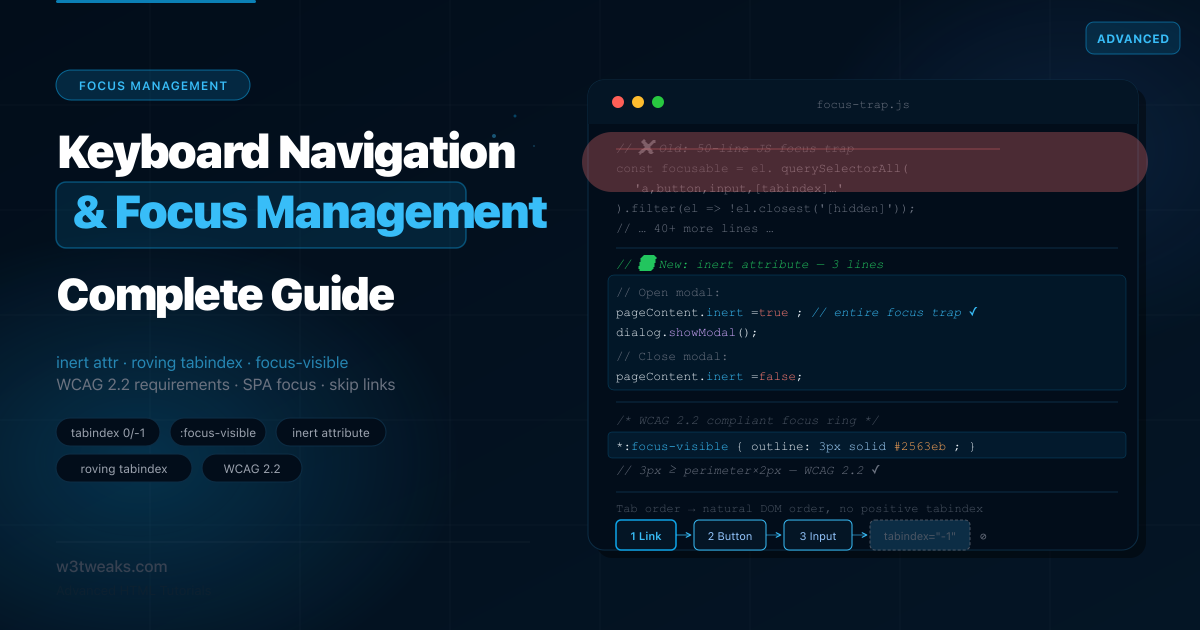
HTML Keyboard Navigation & Focus Management: Complete Guide
Most focus management tutorials still teach a 50-line JavaScript focus trap that the HTML inert attribute replaces in one line. They show skip link patterns with Chrome's bug still in place. They never explain when you still need aria-hidden alongside inert. This guide covers tabindex 0 vs -1, focus-visible vs focus, the WCAG 2.2 numeric focus indicator rules, aria-hidden vs inert, nested modals, roving tabindex vs aria-activedescendant, enterkeyhint for mobile keyboards, and SPA route focus management.
CSS
25 min
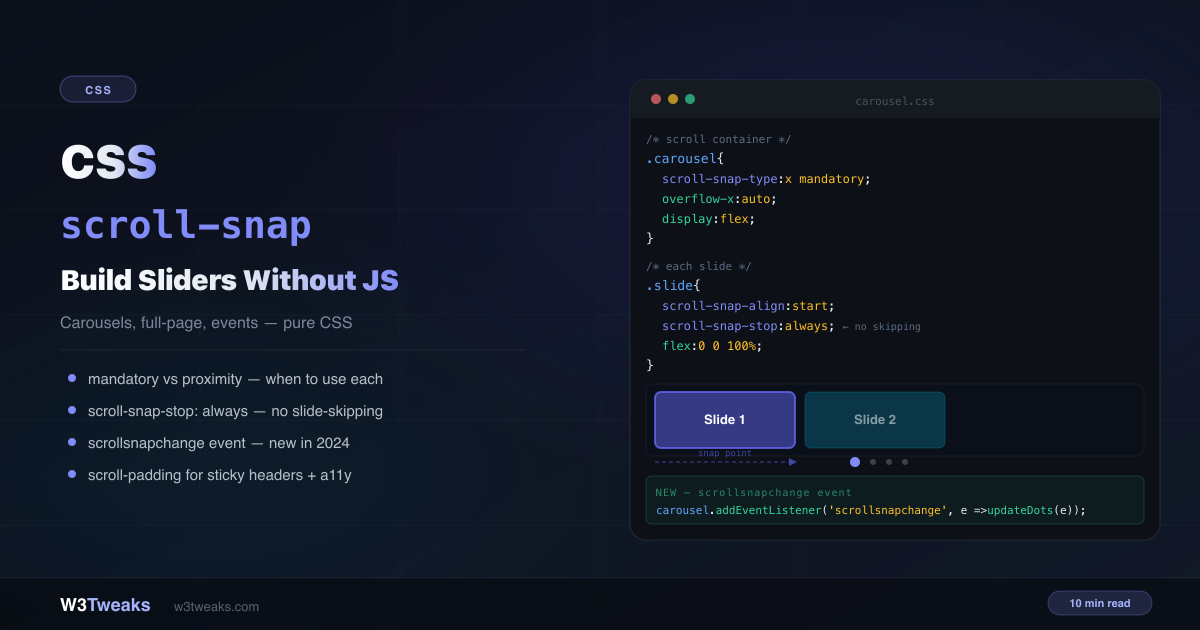
CSS scroll-snap: Build a CSS Carousel Without JavaScript
Build a CSS carousel without JavaScript in 5 lines of CSS. This complete guide covers every scroll-snap property, mandatory vs proximity, the new scrollsnapchange event, scroll-padding for sticky headers, the CSS Carousel API (::scroll-marker and ::scroll-button), scroll-driven animations paired with snap, the 100dvh fix for mobile, drag-to-scroll for desktop, keyboard accessibility, and 'scroll snap not working' troubleshooting.
JavaScript
23 min
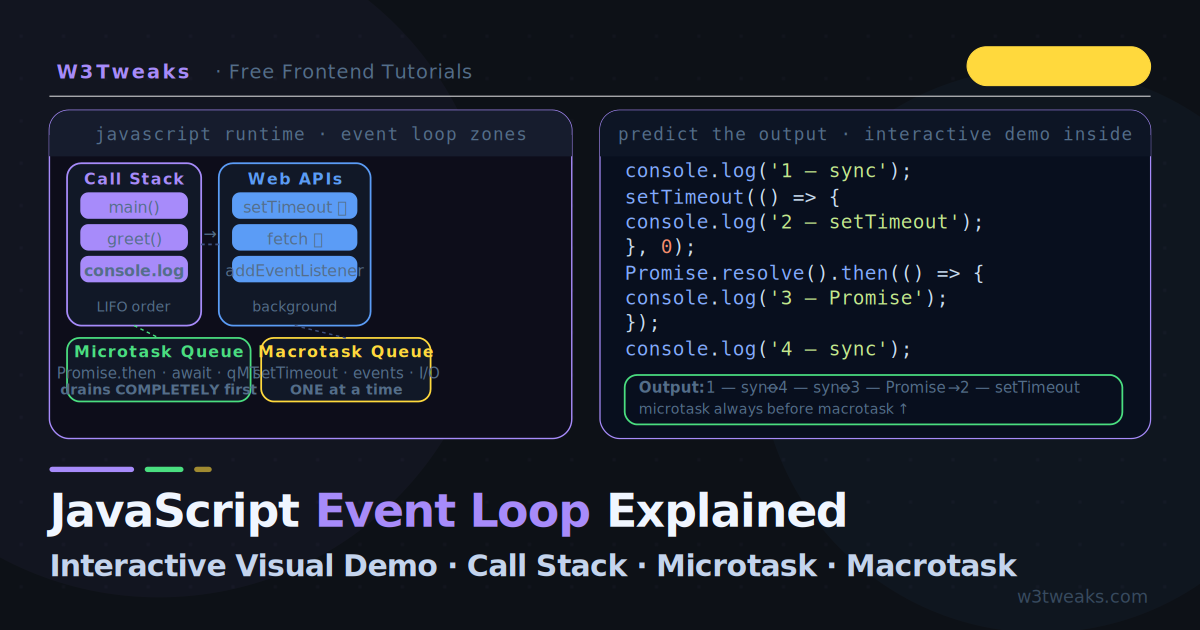
JavaScript Event Loop Explained — Visual Interactive Demo
The JavaScript event loop is the engine behind every setTimeout, Promise, and async/await call you write. This guide is an interactive event loop visualizer — five step-by-step scenarios where you watch the call stack, microtask queue, and macrotask queue update in real time. Covers browser AND Node.js event loop phases, process.nextTick vs setImmediate, the scheduler.yield() API for INP optimization, and the MessageChannel trick React uses.
CSS
28 min
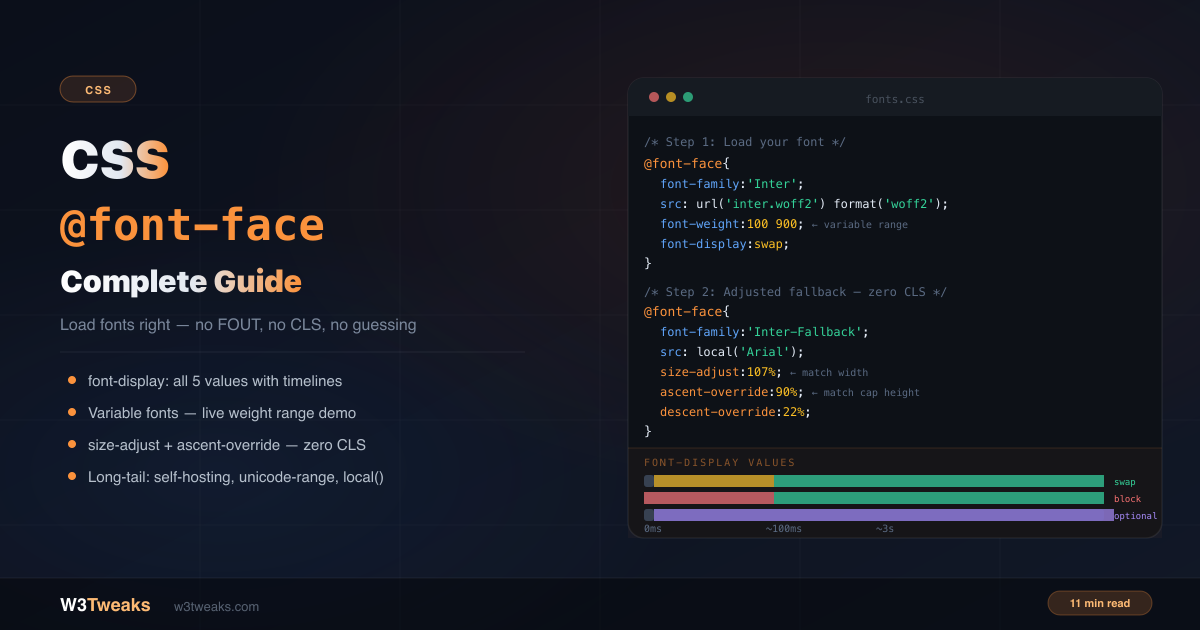
CSS @font-face: The Complete Guide to Loading Custom Fonts Right
Most @font-face tutorials cover the basics and say 'add font-display: swap'. That's not wrong, but it's about 20% of what you need to know. This guide covers all 5 font-display values, variable font axes, font-synthesis: none, the Font Loading API, font-variant-numeric, modern system font stacks, the adjusted fallback pattern that eliminates layout shift, unicode-range, FOIT/FOUT/FOFT, preload's LCP trade-off, and whether you should still use local() .
JavaScript
25 min
JavaScript async/await Not Working? 12 Mistakes That Break Your Code
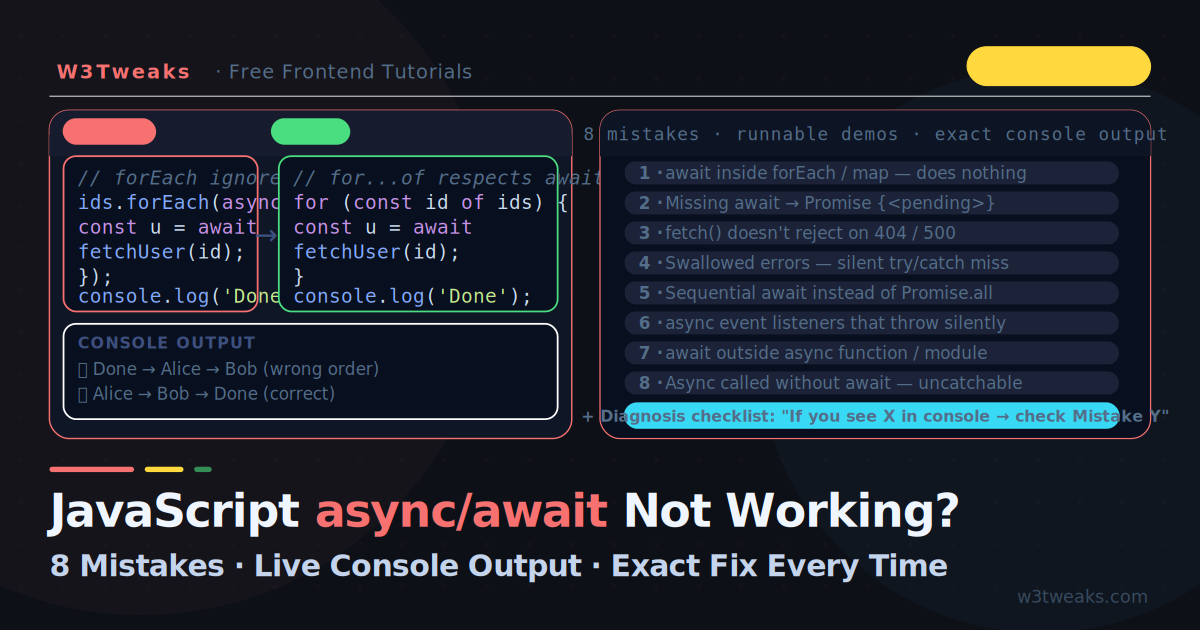
async/await looks simple until it silently breaks — your function returns Promise {pending}, your forEach loop finishes before the data arrives, a 404 sails past your catch block, a search response from 2 seconds ago overwrites the one you wanted, or an error disappears with no trace. This guide shows 12 mistakes with the exact broken output, why it happens, and the precise fix.
HTML
32 min
Semantic HTML Guide — Every Element and What You're Getting Wrong
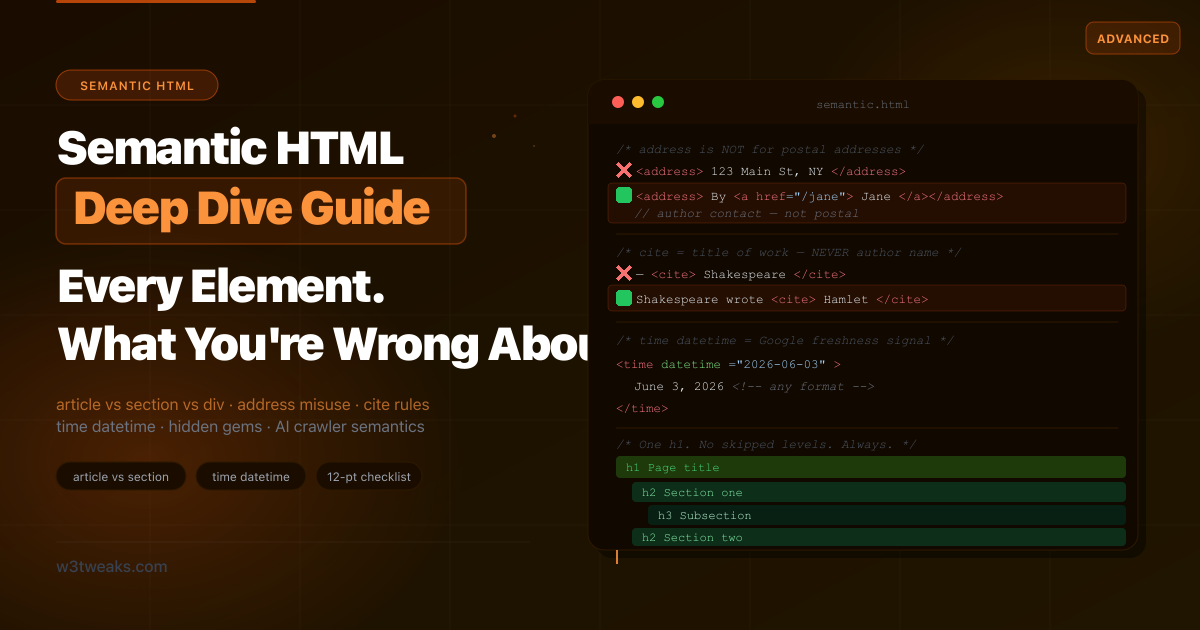
Every tutorial explains what semantic HTML is. Almost none explain that <address> wrapping a postal address is wrong, that <cite> must not contain author names, that HTML5's heading outline algorithm was never implemented by a single browser, or how the First Rule of ARIA quietly justifies the entire reason you should be reading this. This is the guide that covers what others miss — including <em> vs <i>, the <details> exclusive-accordion pattern, the SPA multi-<main> trick, <kbd>/<samp>/<var>, <progress> vs <meter>, and <lang> on subtrees.
CSS
24 min
CSS Selectors You're Not Using (But Should Be)
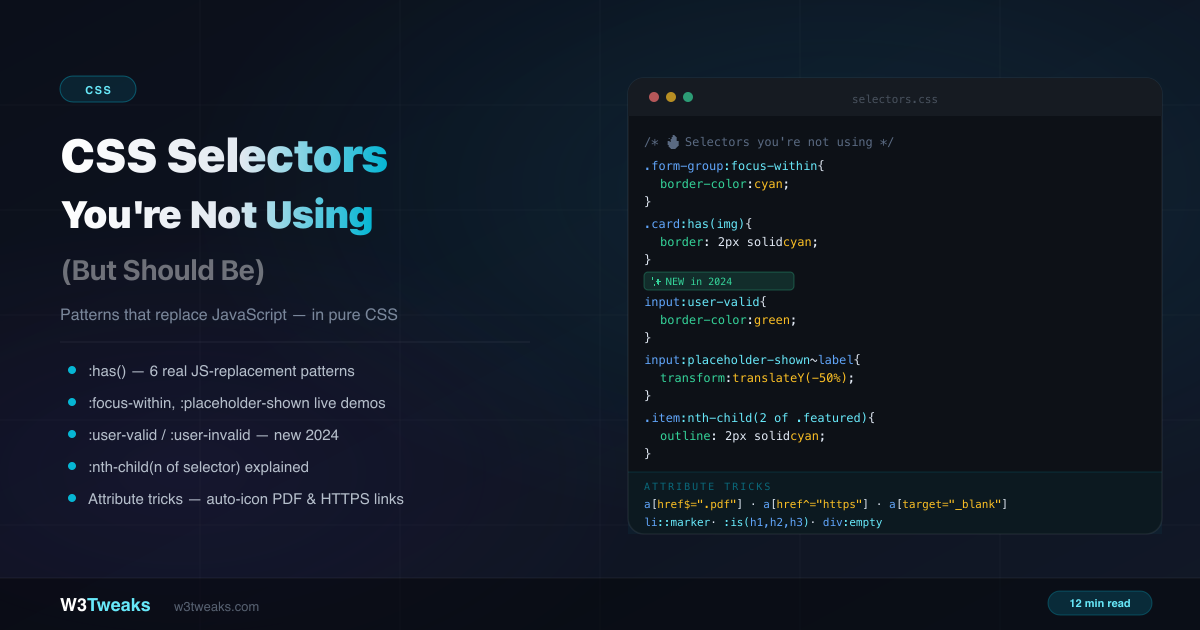
You know div, .class, and #id. But CSS has dozens of selectors that replace JavaScript event listeners, eliminate helper classes, and handle UI state in pure CSS. This guide covers the underused ones actually worth learning — :has(), :focus-within, :user-valid, :nth-child(of selector), :where()'s zero-specificity trick, the :checked + ~ state machine, :target for routable UI, @scope, :defined, :dir(), and more.
HTML
29 min
ARIA Roles — The Practical Guide Developers Actually Need
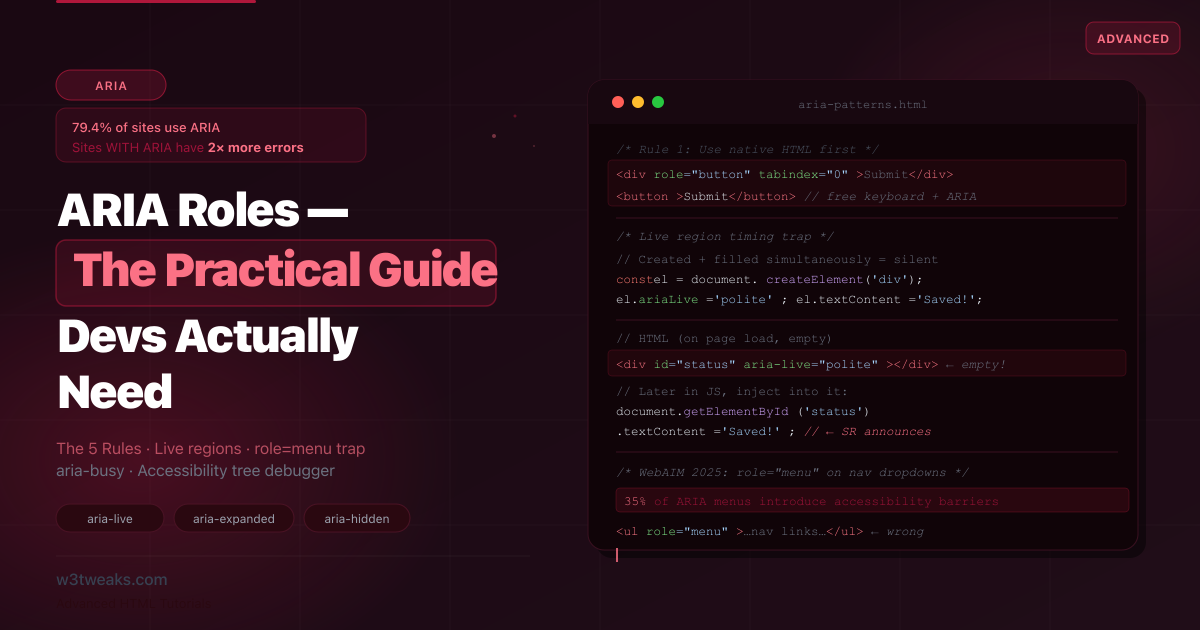
79.4% of websites use ARIA — and those sites have 2× more accessibility errors than sites without it. ARIA is the most powerful accessibility tool in HTML and the most dangerous. This guide shows the patterns that go catastrophically wrong, the role=menu trap, the aria-live timing pitfall, the aria-hidden + focus silent-screen-reader footgun, role=presentation cascading, mobile screen reader divergence, and the DevTools tree-debug workflow nobody documents.
JavaScript
25 min
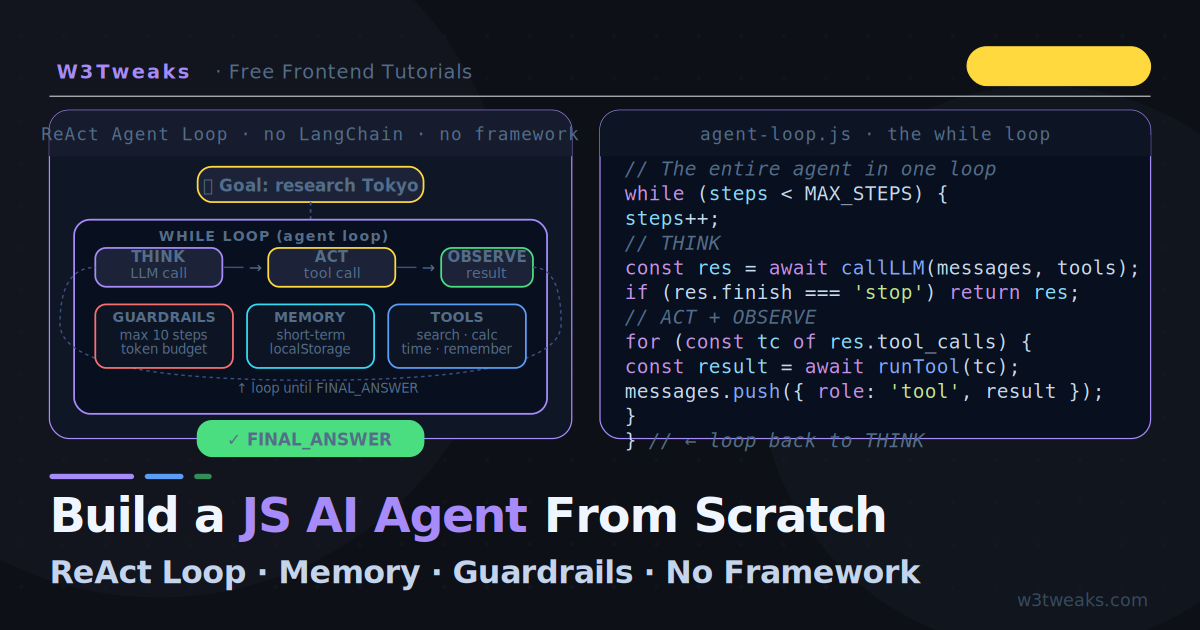
Build a JavaScript AI Agent From Scratch (No Framework)
Every AI agent tutorial uses Python, LangChain, or Mastra. This one doesn't. Build a complete ReAct agent from scratch in vanilla JavaScript — the actual while loop, Thought/Action/Observation cycle, memory, guardrails, parallel tool calls, hallucinated-tool-name protection, and a 20-line DIY observability trace, all in a streaming browser UI that shows the agent thinking in real time.
CSS
24 min
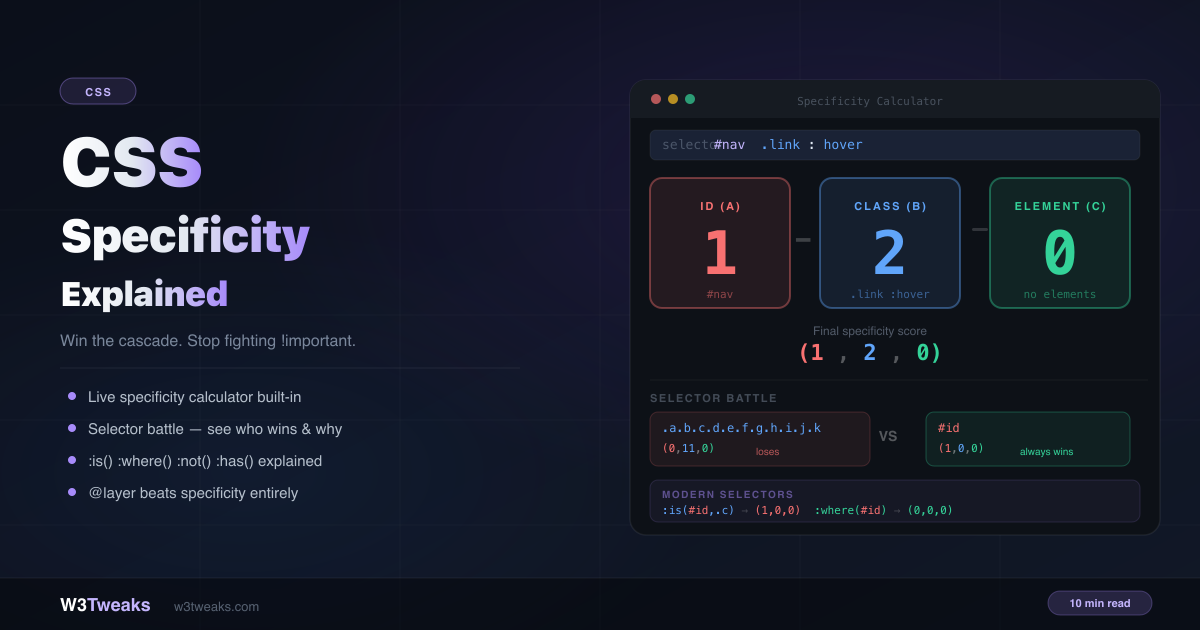
CSS Specificity Explained: The Complete Cascade Guide
You write a rule that should win. It doesn't. You add !important. Now something else breaks. Specificity fights are the most common source of CSS frustration — and most tutorials only teach half the picture. This guide covers the complete system, including :is(), :where(), @layer, CSS Nesting's hidden specificity trap, and how Tailwind, Vue scoped styles, and CSS Modules each handle specificity differently.
JavaScript
26 min
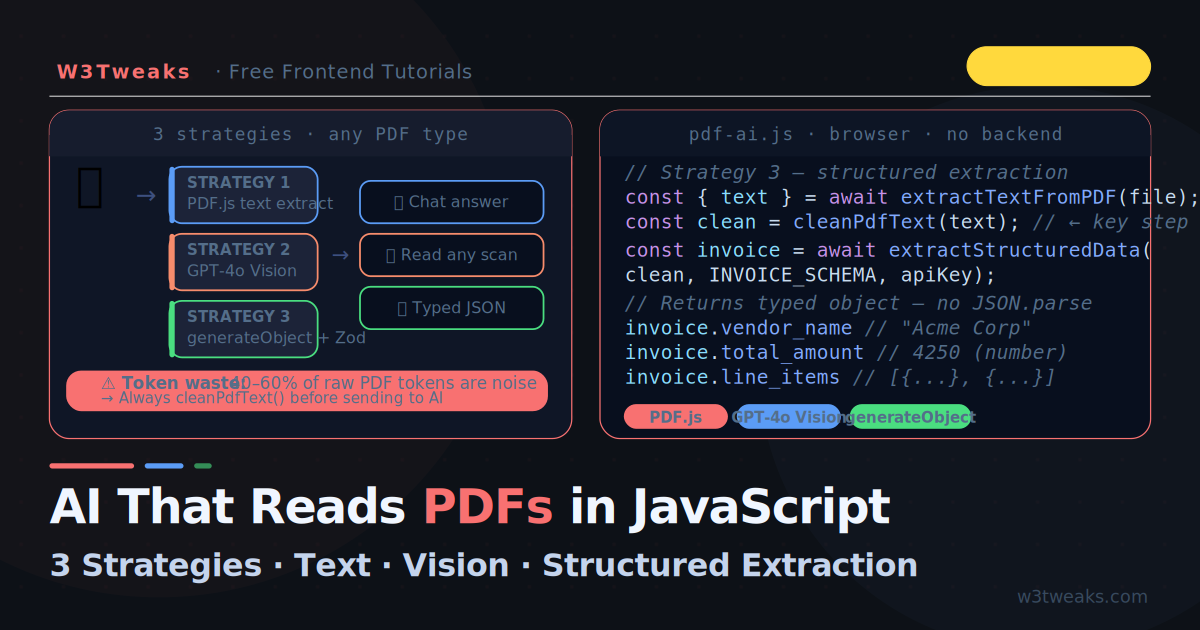
AI That Reads PDFs in JavaScript — Three Strategies
Every AI PDF tutorial uses Python and LangChain. This one doesn't. Learn three pure JavaScript strategies for making AI read PDFs — direct text extraction, GPT-4o Vision for scanned documents, and structured JSON extraction — all in a single browser file. Plus the PDF.js worker gotchas, the API-key-in-the-browser elephant, and a free Tesseract.js OCR fallback nobody documents.
HTML
24 min
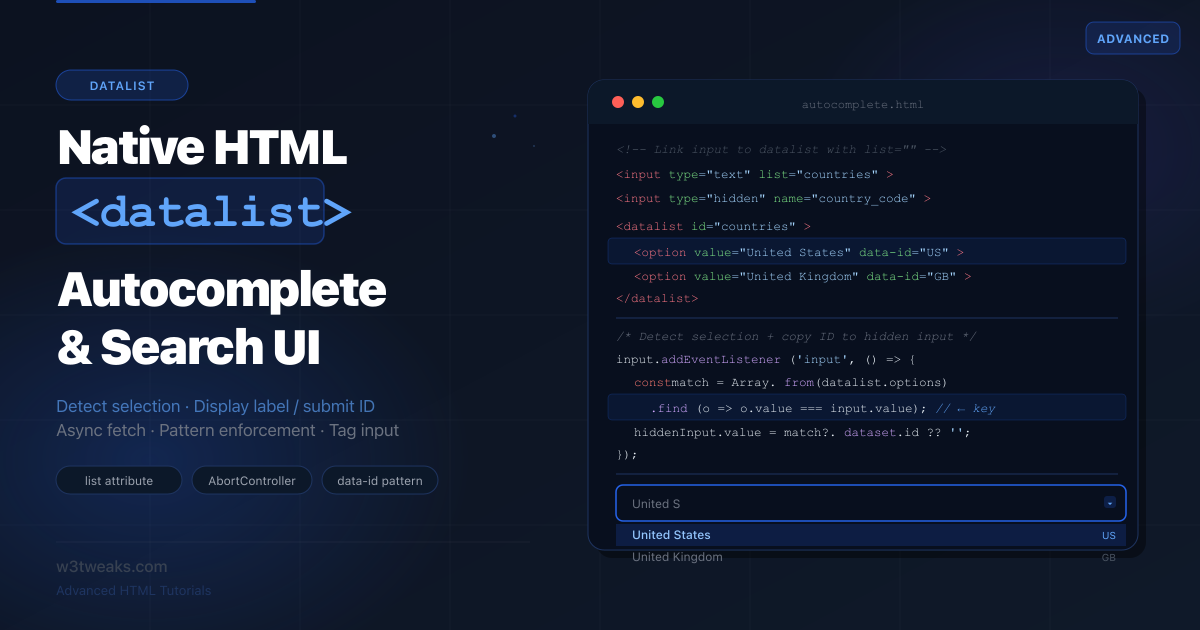
HTML datalist — Native Autocomplete & Search UI Guide
Most datalist tutorials show three lines of HTML and stop. Nobody explains how to detect when a user actually picked from the list, how to show a friendly label while submitting a hidden ID, or which iOS Safari versions silently break the whole feature. This is that tutorial.