W3Tweaks publishes free frontend development tutorials on CSS, JavaScript, and HTML — with working interactive demos in every guide. Each tutorial is a complete deep-dive: working code you can copy, the gotchas competitors skip, and an embedded live demo where you can test the pattern before shipping it. Use the category chips above to jump straight to CSS,JavaScript, or HTML, or browse all173 tutorials below — newest first.
JavaScript
22 min
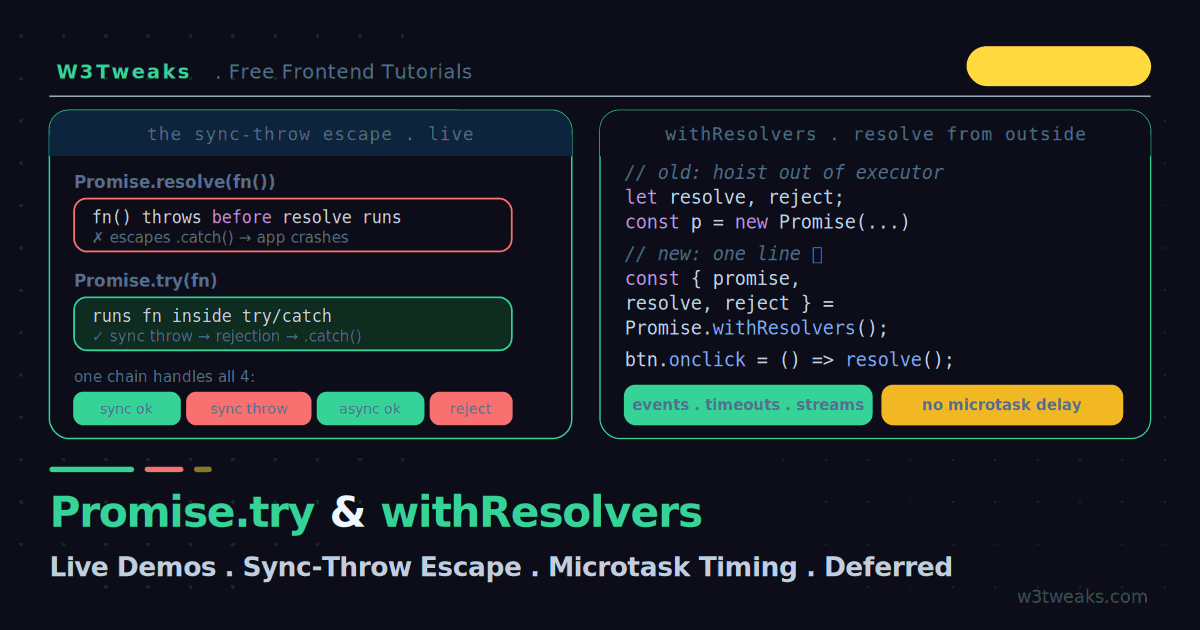
Promise.try & Promise.withResolvers: Cleaner Async (Live Demos)
Two small ES2026 promise utilities fix two long-standing annoyances. Promise.try runs any function — sync or async — and funnels a synchronous throw into .catch() instead of letting it escape and crash your app (which is exactly the class of bug that shows up in Sentry, Datadog, Rollbar every week). Promise.withResolvers hands you the promise and its resolve/reject in one line, so you can settle it from an event listener without the old closure dance — the killer use case being WebSocket request/response correlation. Live demos, plus TypeScript typing, runtime support (Node 22, Bun, Deno, Vercel Edge, Cloudflare Workers), and the anti-patterns you should skip.
HTML
26 min
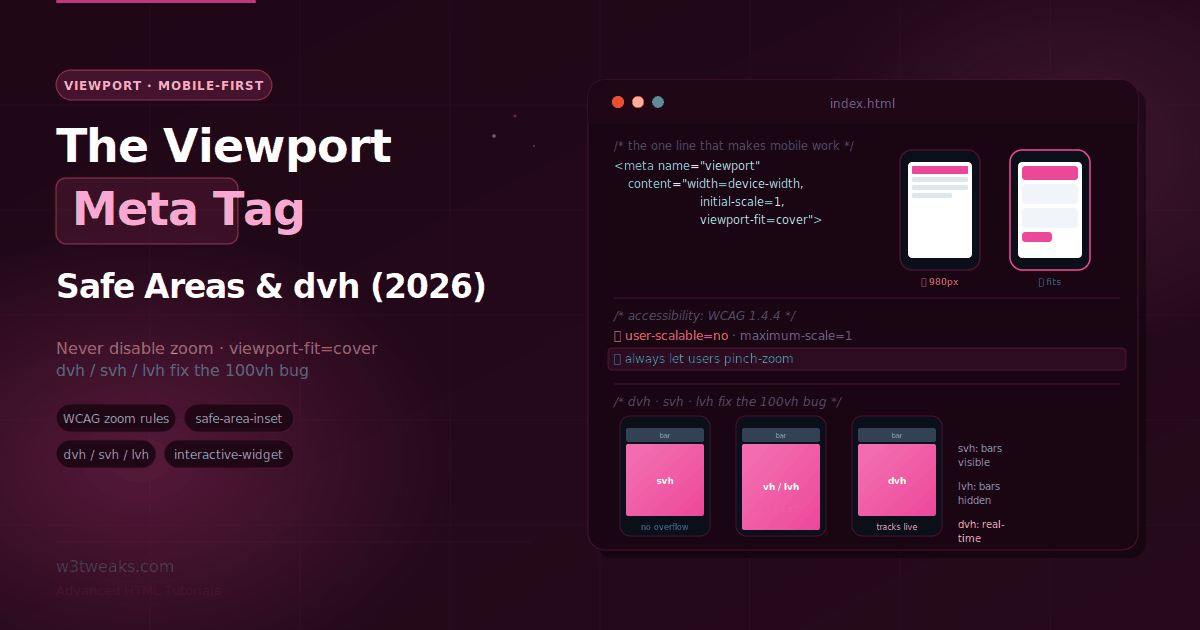
The Viewport Meta Tag — Mobile-First, Safe Areas & dvh
One line of HTML decides whether your site renders at phone width or as a zoomed-out desktop page nobody can read. This guide covers the viewport meta tag properly — the accessibility rules that forbid disabling zoom (WCAG 1.4.4), viewport-fit=cover and safe-area-inset for notches, the keyboard-aware interactive-widget property, dvh/svh/lvh units that finally fix the 100vh mobile bug, framework integration (Next.js viewport export, Nuxt, SvelteKit, Astro), how the tag impacts Core Web Vitals (CLS, LCP, INP), foldable-device behavior, and iPad multitasking. Google's mobile-first indexing basically requires the tag; get it wrong and you tank your mobile rankings across every tier-1 market.
CSS
25 min
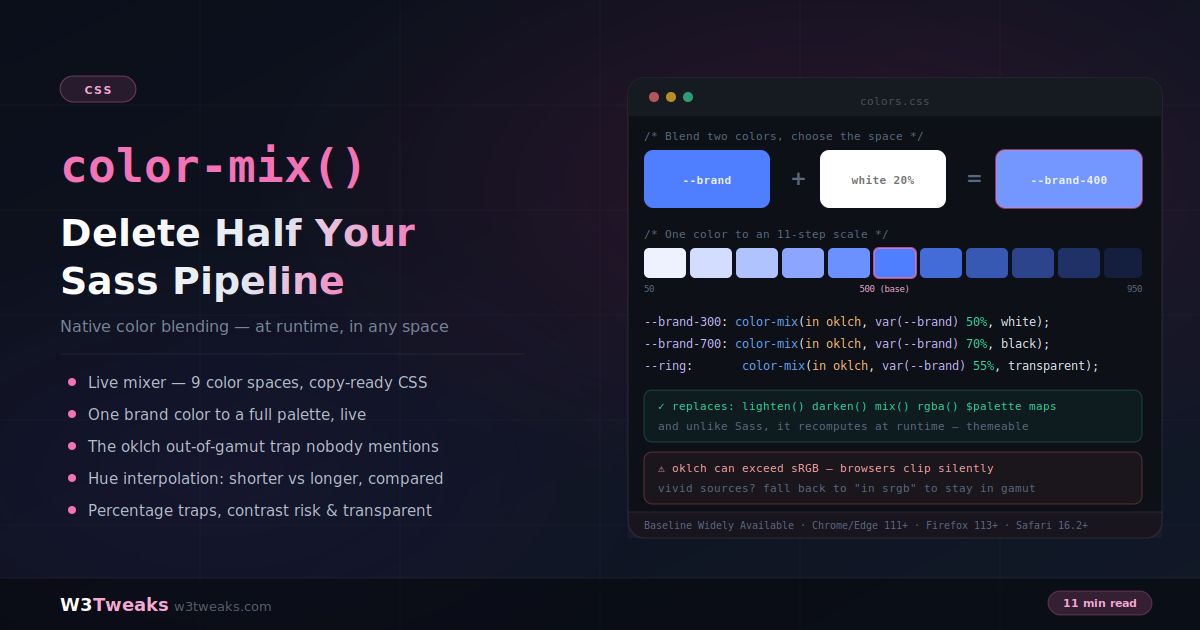
CSS color-mix(): Native Color Blending That Retires Your Sass Pipeline
color-mix() blends two colors natively, at runtime, in the color space you choose — replacing Sass lighten(), darken(), mix(), rgba() and entire palette maps with a function that works on custom properties and recomputes when your brand color changes. This is why Tailwind 4 uses it under the hood, why Radix Colors and Open Props teams recommend it, and why Shopify Polaris / Auth0 / Intercom white-label systems can now ship one stylesheet per tenant instead of one per brand. This guide covers the syntax, color-space decisions, one-token palette generation, the silent oklch gamut trap, dark mode pairing with light-dark(), Figma-to-CSS handoff, and every sharp edge in between.
JavaScript
21 min
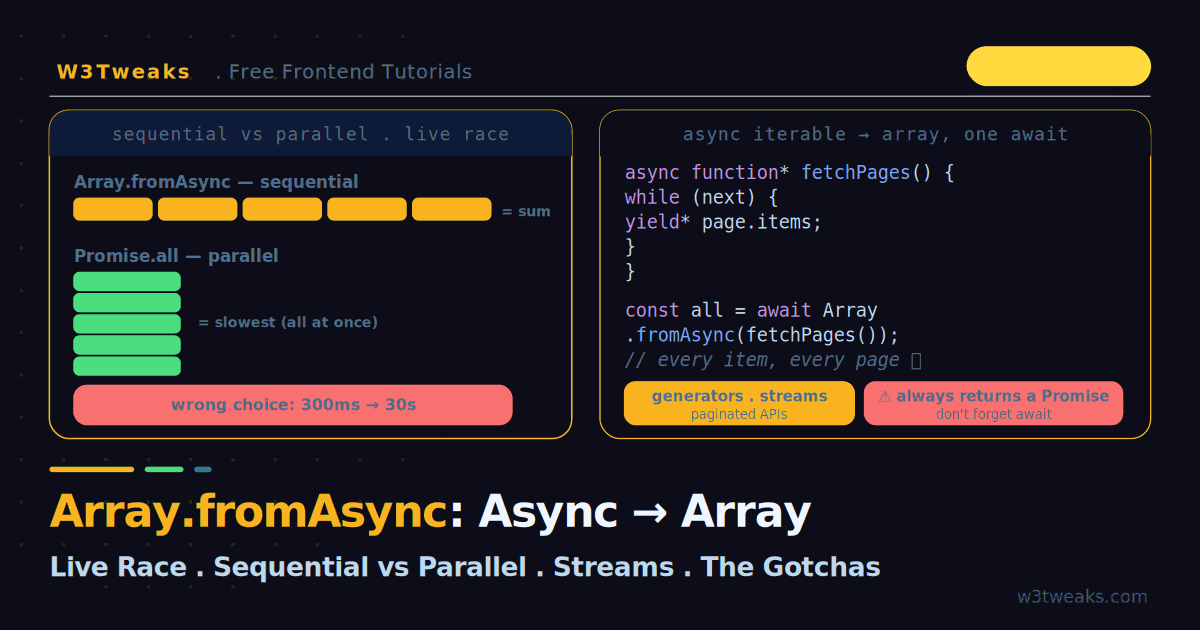
Array.fromAsync: Async Iterables to Arrays (With Live Race Demo)
Array.fromAsync turns any async iterable — an async generator, a stream, a paginated API, an OpenAI/Anthropic streaming response — into an array with a single await. But it is not a drop-in Promise.all: it awaits each value sequentially and lazily, which is exactly right for rate-limited APIs and exactly wrong for 100 independent calls. This guide has a live race demo so you can watch sequential vs parallel fire in real time, plus AbortController cancellation, bounded-concurrency batching, TypeScript typing, and runtime support across Node 22, Bun, Deno, Vercel Edge, and Cloudflare Workers.
CSS
22 min
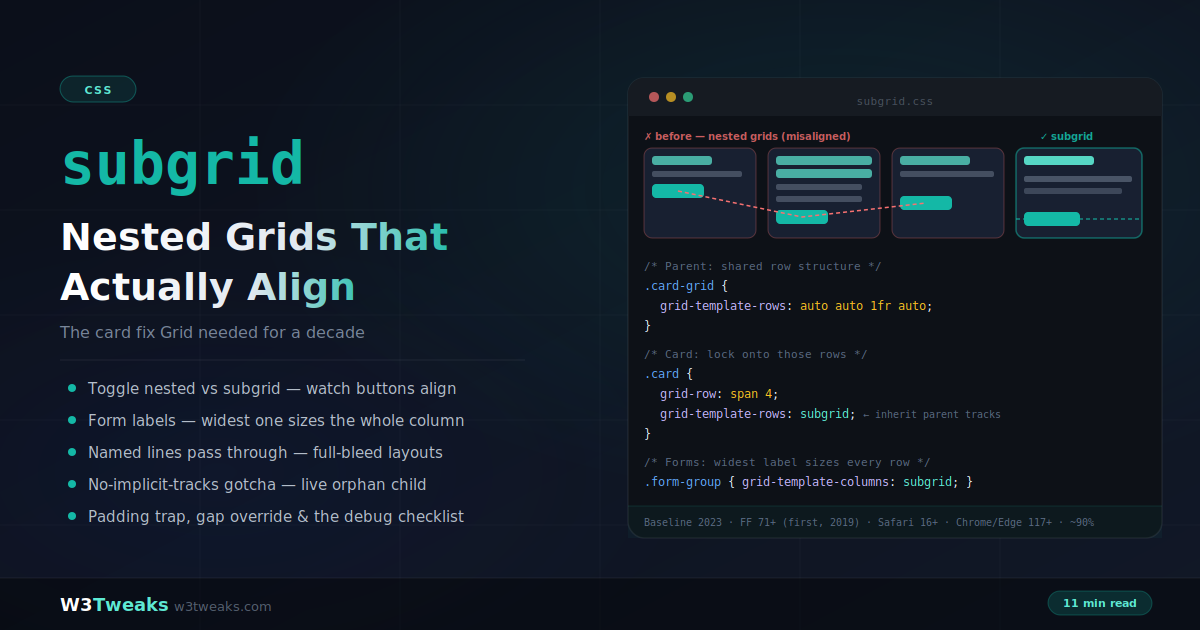
CSS Subgrid: Nested Grids That Actually Align (The Card Fix)
For a decade, aligning content across sibling cards meant min-height hacks or JavaScript equalizers — nested grids can't see each other's tracks. Subgrid ends that: a grid item adopts its parent's track sizing, so titles, bodies, and buttons snap into shared rows no matter how content varies. This guide covers the card fix, form label alignment, pricing tables, subgrid + container queries, Tailwind and CSS Modules patterns, DevTools debugging across all three browsers, and the gotchas — no implicit tracks, the padding trap, and gap inheritance.
HTML
28 min
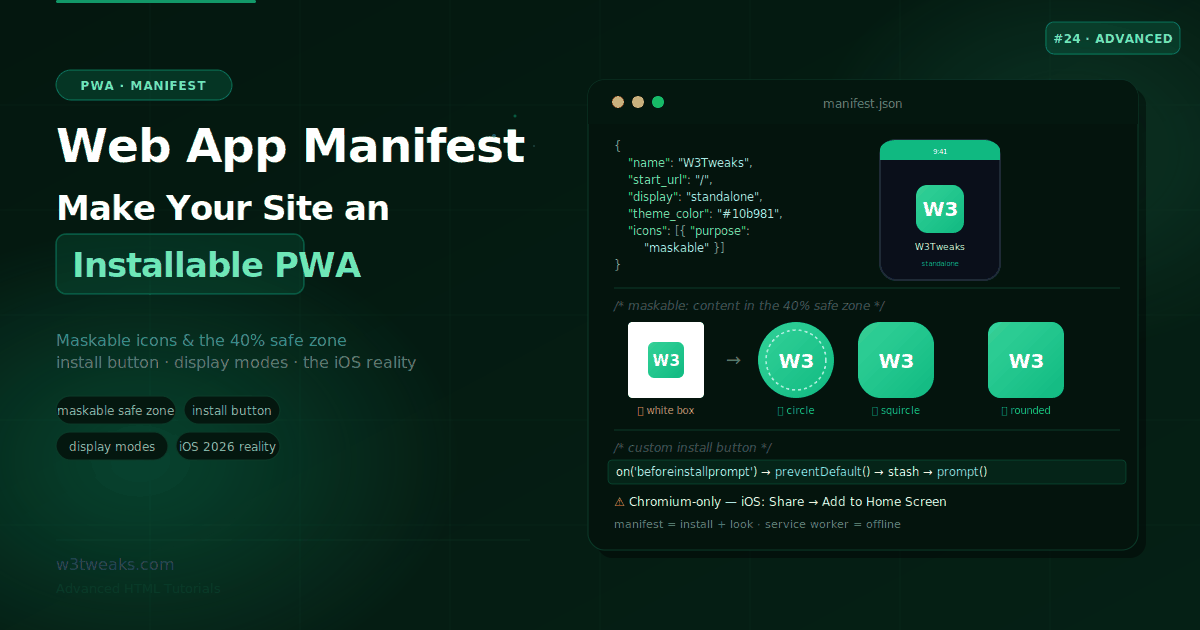
Web App Manifest — Make Your Site an Installable PWA
A single JSON file turns your website into an installable app with its own icon, splash screen, and standalone window. This guide covers the required manifest fields, maskable icons and the safe zone, a custom install button, iOS caveats, and the four members that unlock the OS deep-integration nobody talks about — file_handlers, share_target, protocol_handlers, and launch_handler — plus how to ship your PWA into Google Play and the Microsoft Store.
HTML
28 min
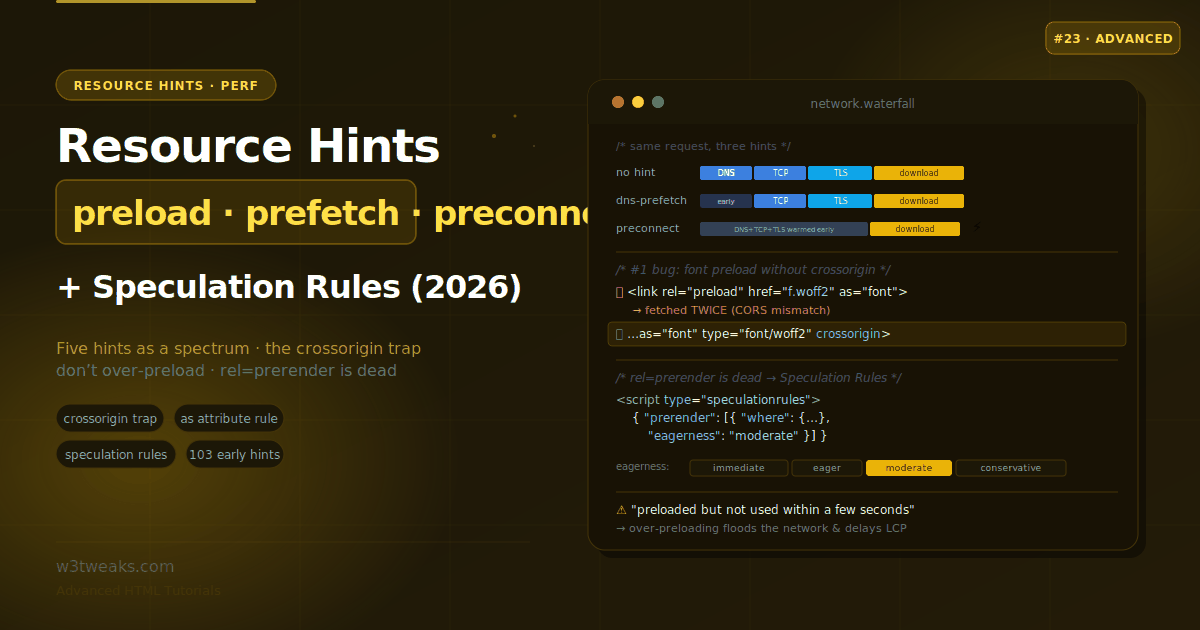
Resource Hints — preload, prefetch, preconnect & Speculation Rules
One line of HTML can tell the browser to resolve a DNS lookup, warm a connection, or fetch a critical file before the parser even finds it. But a font preload without crossorigin silently downloads twice, over-preloading delays your LCP, and rel=prerender is dead. This guide maps all five hints to network phases, covers the fetchpriority attribute in full, the direct LCP/INP Core Web Vitals impact (measurable in Search Console), CDN/edge auto-hints via 103 Early Hints, framework auto-hints for Next.js/Astro/Nuxt/SvelteKit, an audit of anti-patterns to remove, and the Speculation Rules API that replaced prerender.
JavaScript
21 min
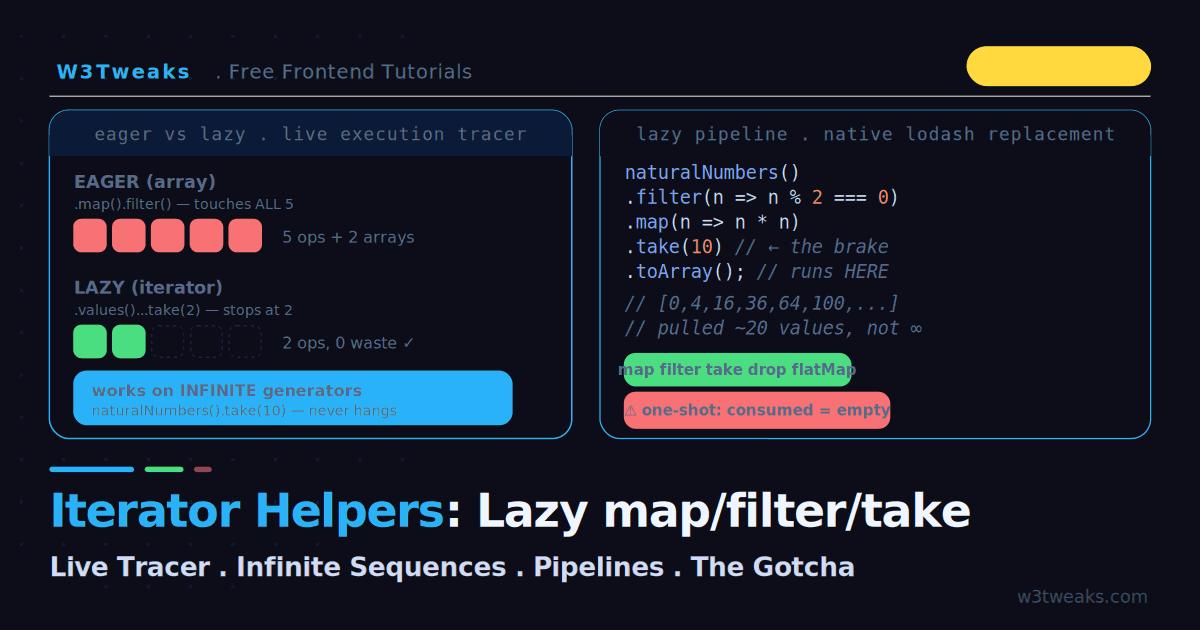
JavaScript Iterator Helpers: Lazy map/filter/take (With Live Tracer)
Chaining .map().filter() on an array processes every element and builds a throwaway array at each step. Iterator helpers do it lazily — they process only what you actually consume, which means you can run map/filter/take on an infinite sequence without crashing the tab. This guide has a live execution tracer, real bundle-size numbers vs lodash, the one-shot exhaustion gotcha, the async gap and what to do about it today, streaming fetch response bodies, TypeScript types, and the Iterator.from() vs .values() decision.
CSS
22 min
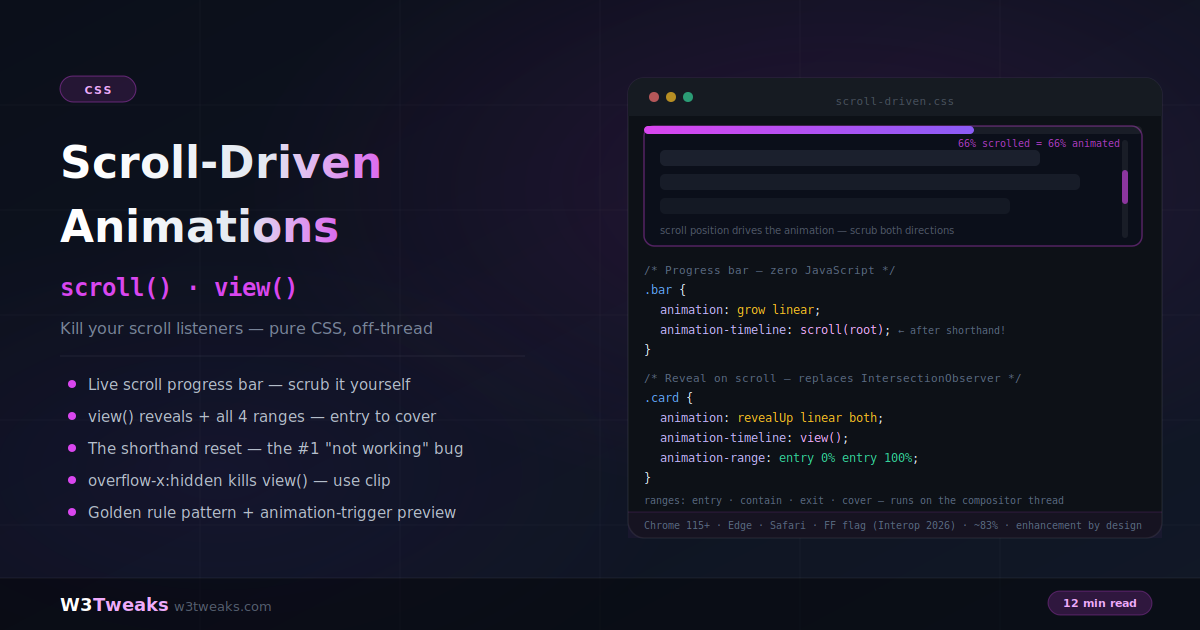
CSS Scroll-Driven Animations: scroll(), view() & Zero JavaScript
Scroll-driven animations replace scroll listeners, IntersectionObserver reveals, and parallax libraries with pure CSS that runs off the main thread. Swap an animation's clock for a scroll position with animation-timeline, map it to an element's visibility with view() and animation-range, and ship it safely with the golden progressive-enhancement pattern. Plus horizontal-carousel timelines, view-timeline-inset for early/late triggering, @property-driven color and gradient scrubbing, and the direct INP/Core Web Vitals ranking benefit.
JavaScript
23 min
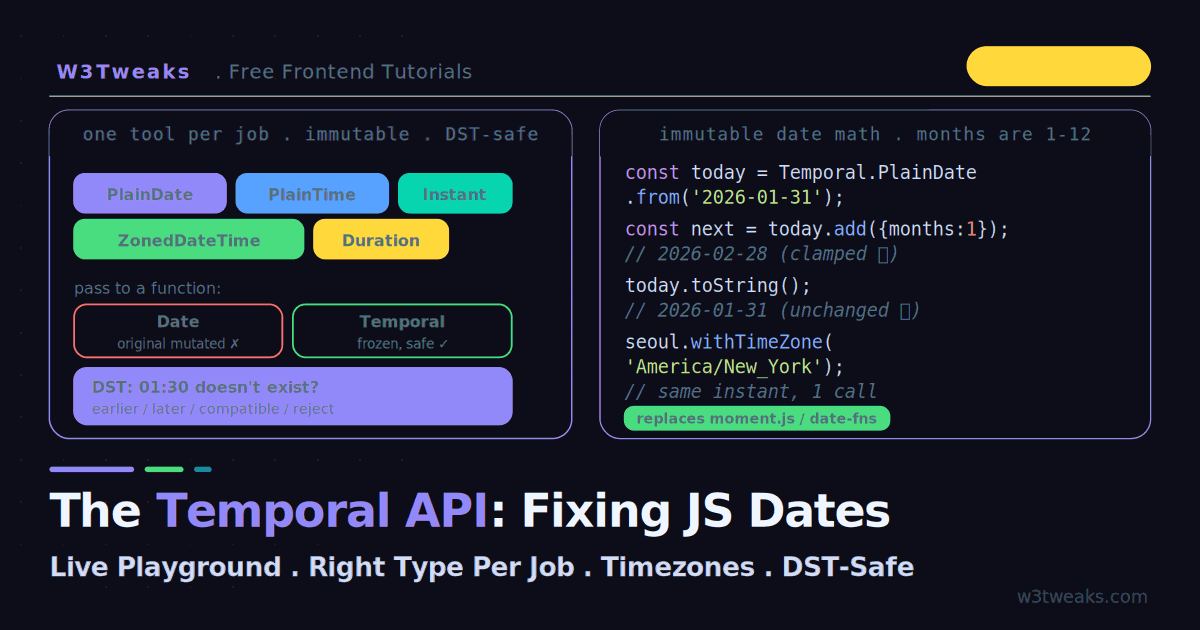
The Temporal API: Finally Fixing JavaScript Dates (With Live Playground)
JavaScript's Date object has been broken for thirty years — mutable, zero-indexed months, and timezone handling that changes between browsers. The Temporal API fixes all of it. This guide has a live playground: watch Date mutate under you while Temporal stays frozen, pick the right type for any job, handle DST ambiguity with earlier/later/reject instead of silent wrong answers, plus a bundle-size showdown vs moment/date-fns/dayjs/Luxon, moment.js migration recipes, the definitive Instant-vs-ZonedDateTime storage pattern for backends, TypeScript patterns, and the Node.js/edge runtime support matrix.
CSS
23 min
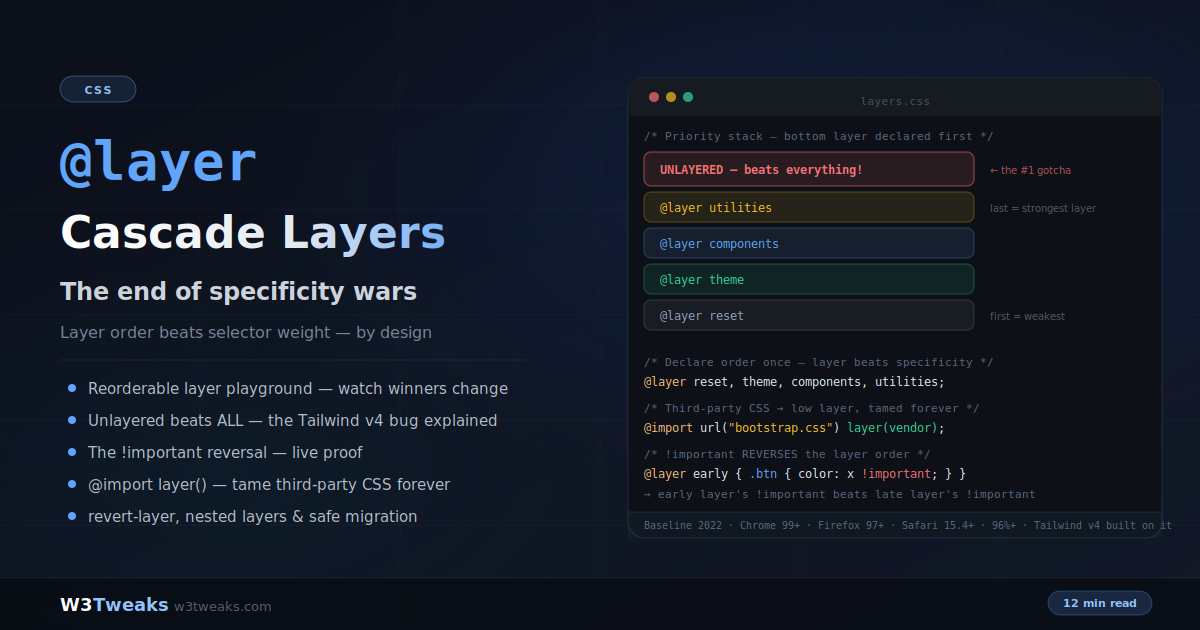
CSS @layer: Cascade Layers That End the Specificity Wars
Cascade layers let you declare which groups of styles win — independent of selector specificity. A one-line @layer declaration replaces years of specificity hacks and !important escalation. This guide covers the full system: layer ordering, why unlayered styles beat every layer (the Tailwind v4 upgrade bug), the mind-bending !important reversal, taming third-party CSS with @import layer(), nested layers, revert-layer, Shadow DOM's independent layer graph, design system layer contracts for Radix/shadcn/MUI/Chakra, the empty-layer reservation pattern for code-split apps, and the migration path that can't break anything.
HTML
29 min
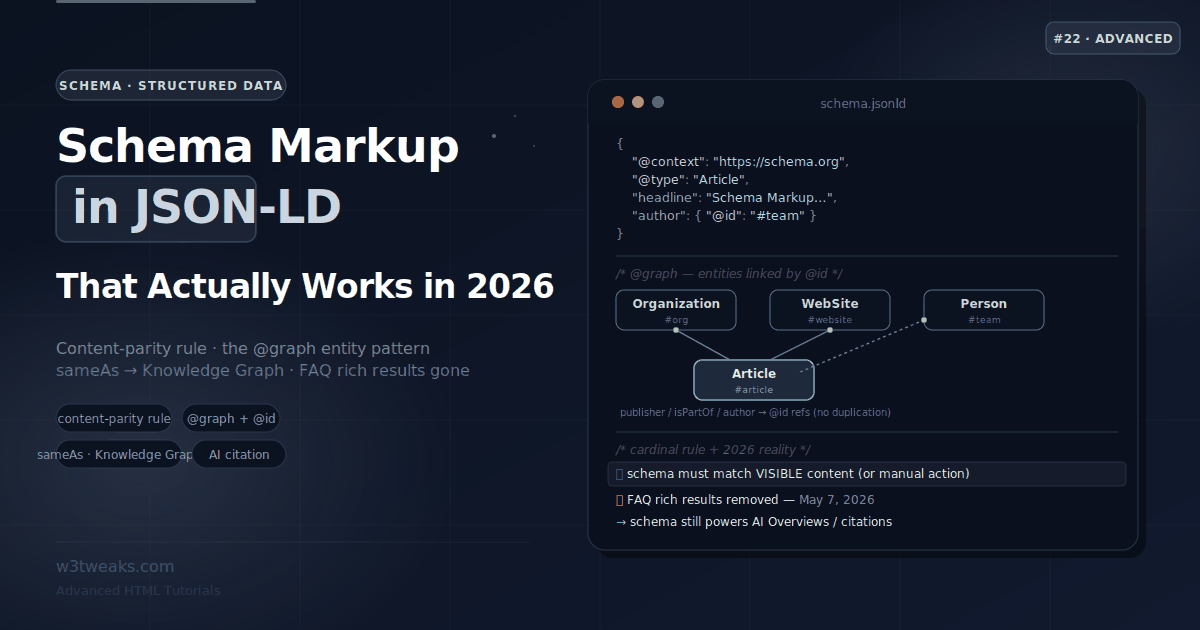
Schema Markup & Structured Data — JSON-LD That Actually Works
Schema markup tells Google and AI engines exactly what your content means, not just what it says. This guide covers JSON-LD by type with required properties, the content-parity rule that keeps you off Google's manual-action list, the @graph entity pattern, sameAs for the Knowledge Graph, the current reality after FAQ and HowTo rich results were removed, plus Recipe/LocalBusiness/JobPosting deep-dives, the Merchant Listings shipping+returns update, the HowTo migration path, and the CMS-schema-drift trap that breaks WordPress sites.