HTML
30 min
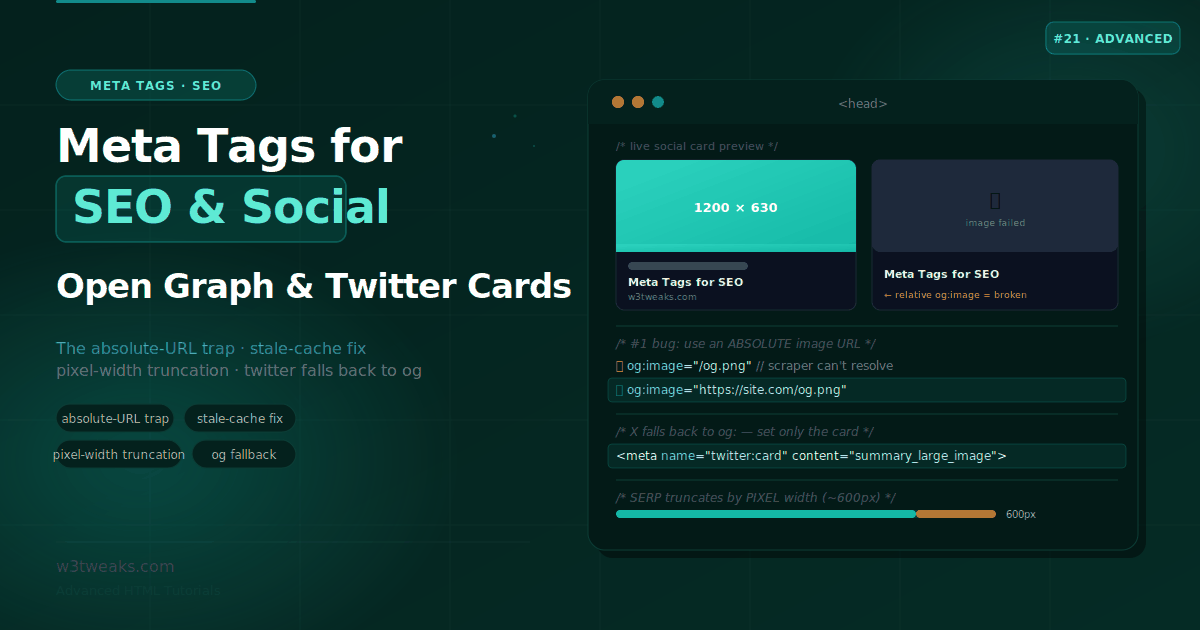
Meta Tags for SEO & Social — Open Graph, Twitter Cards & SERP
A dozen lines in the <head> decide whether your link shows a rich card with a wide image or a bare blue URL nobody clicks. This guide covers the SEO title and description, Open Graph and Twitter Card tags, the absolute-URL trap that silently breaks previews, pixel-width truncation, how to force a re-scrape when the old preview won't update, how Perplexity/ChatGPT/Google AI Overviews use your tags for citations, Article JSON-LD paired with meta, dynamic OG image generation, per-platform unfurl quirks (Discord/Slack/WhatsApp/iMessage/Bluesky/Mastodon), Google Discover eligibility, and the canonical + noindex conflict.
JavaScript
25 min
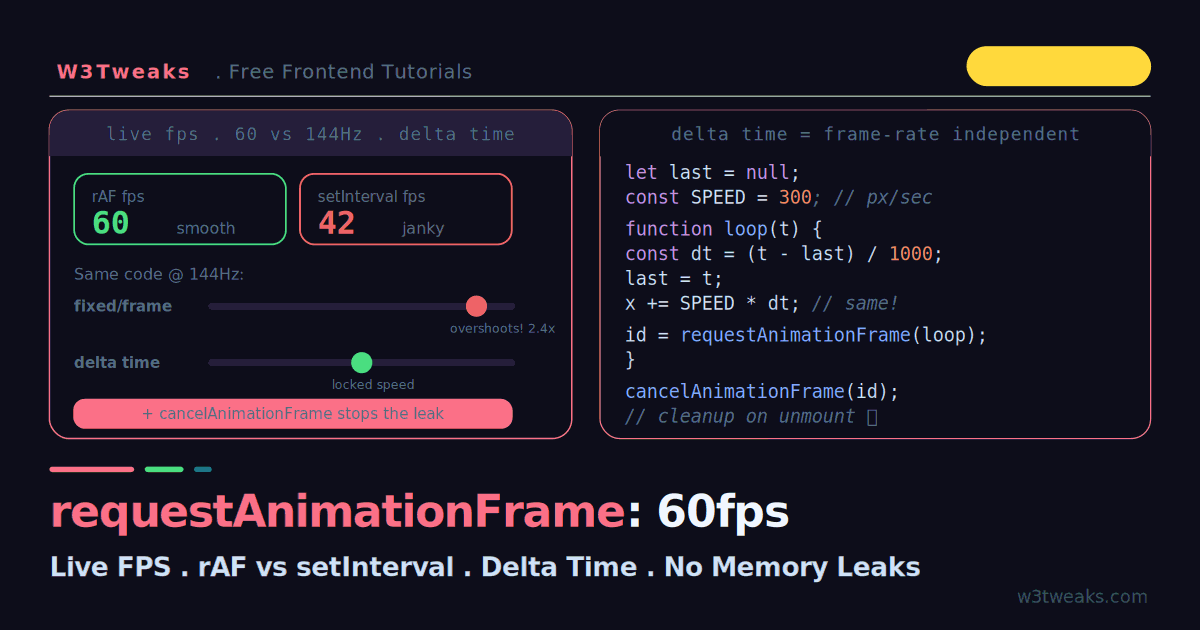
requestAnimationFrame: Smooth 60fps Animation (With Live FPS Demo)
Every requestAnimationFrame tutorial claims it is smoother than setInterval, but none show it happening. This guide runs rAF and setInterval side by side with live FPS counters, then reveals the bug nobody demos: fixed-per-frame animation runs twice as fast on a 144Hz screen. Fix it live with delta time, cap the frame rate, kill the cancelAnimationFrame memory leak, plus WAAPI vs rAF decisions, the React useAnimationFrame hook, Chrome DevTools + Long Animation Frames API for INP debugging, IntersectionObserver-gated loops, and prefers-reduced-motion accessibility.
CSS
22 min
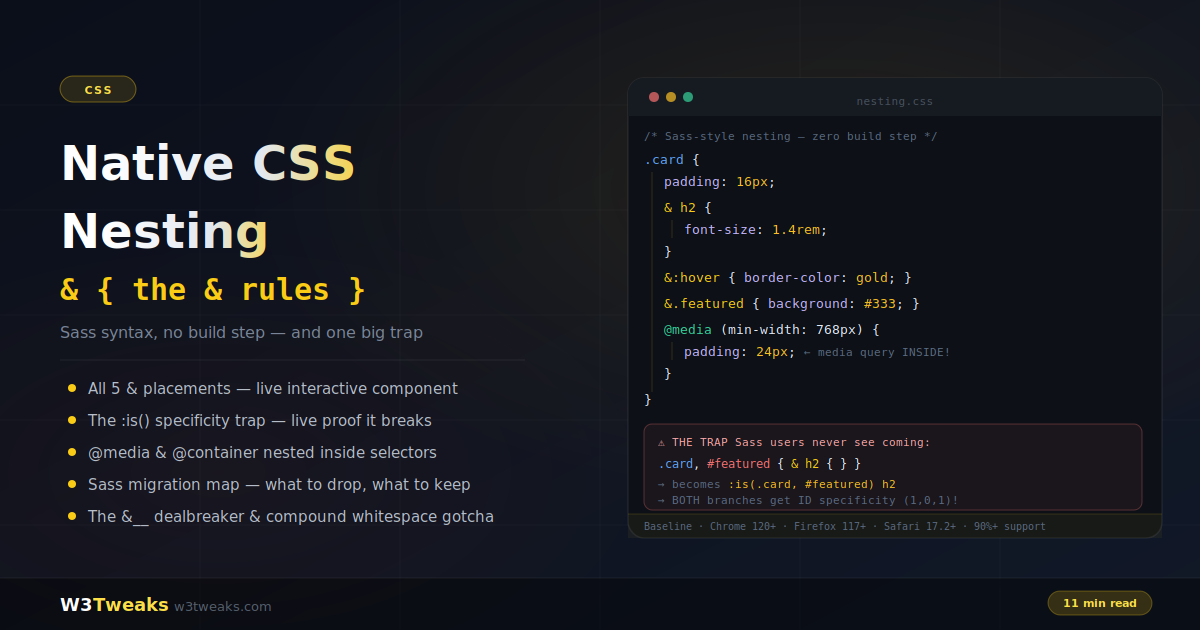
Native CSS Nesting: Sass Syntax With No Build Step (And One Big Trap)
Native CSS nesting brings Sass-style nested rules to the browser with zero build step — and it's Baseline in every evergreen browser. But it isn't a Sass clone: the parent selector gets wrapped in :is(), which silently changes specificity in ways that break Sass habits; &__ concatenation doesn't exist; and bare compound selectors gain an unwanted space. This guide covers every & placement, nesting at-rules inside components, the honest Sass migration map, plus @scope pairing, Tailwind v4 native output, @starting-style composition, the .vue/.svelte/.astro scoped-CSS interaction, and the & + & flow-content pattern.
CSS
22 min
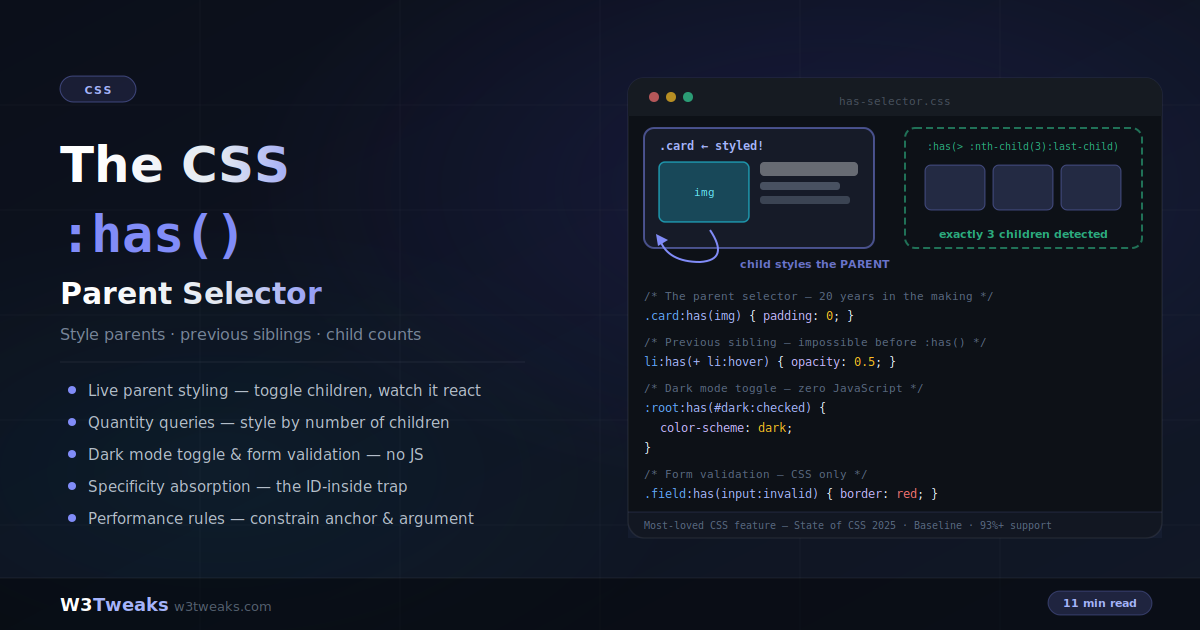
CSS :has() Selector: The Parent Selector, Explained With Live Demos
For twenty years, a parent selector was the most requested CSS feature — and :has() finally delivered it. Style a card because it contains an image, select the element before a hovered one, restyle a grid by how many children it holds, build form validation and dark mode toggles with zero JavaScript. This guide covers every pattern plus the specificity trap, the no-nesting rule, the two-negatives (`:not(:has())` vs `:has(:not())`) confusion, CSS-only tabs, `<details>` accordions, state-machine buttons, the shadow-DOM scope boundary, and the performance constraints that matter.
HTML
27 min
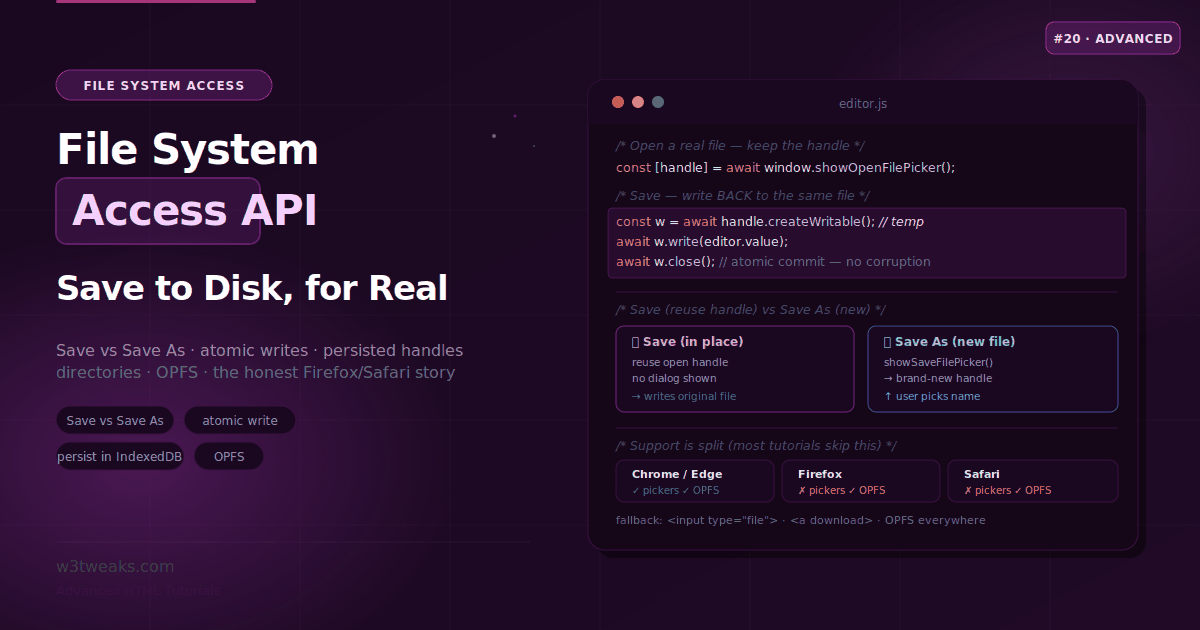
The File System Access API — Save to Disk, Directories & OPFS
The File System Access API lets a web app edit a real file on disk and save changes back in place — the thing that makes an in-browser editor feel native. This guide covers open/save/Save-As, reading directories, atomic writes, persisting handles across sessions, OPFS with SQLite-WASM, the new File System Observer API for watching external changes, drag-drop into directory handles, keepExistingData for random-access edits, PWA file_handlers for OS-level 'Open with', and the honest Firefox/Safari fallback story.
JavaScript
22 min
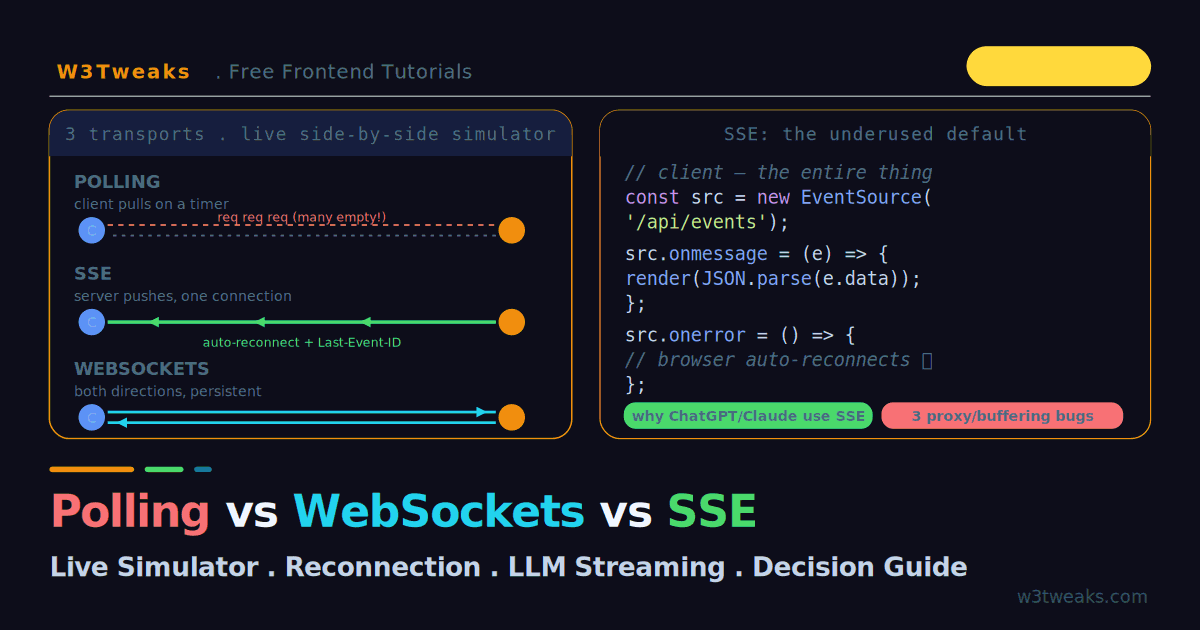
Polling vs WebSockets vs SSE: The Real-Time Guide
Everyone defaults to WebSockets for real-time. Most shouldn't. This guide runs polling, WebSockets, and Server-Sent Events in a live side-by-side simulator so you can see polling waste requests, SSE stream over one HTTP connection, and WebSockets talk both ways. Plus Node.js ws server code, socket.io vs raw WS, LLM streaming with Fetch + ReadableStream, WebSocket authentication, serverless timeout limits (Vercel, Netlify, Cloudflare Workers), pub/sub scaling with Redis, jittered reconnection backoff, and the production bugs — proxy buffering, HTTP/1.1 six-connection limit, silent WebSocket death — that bite every team.
HTML
25 min
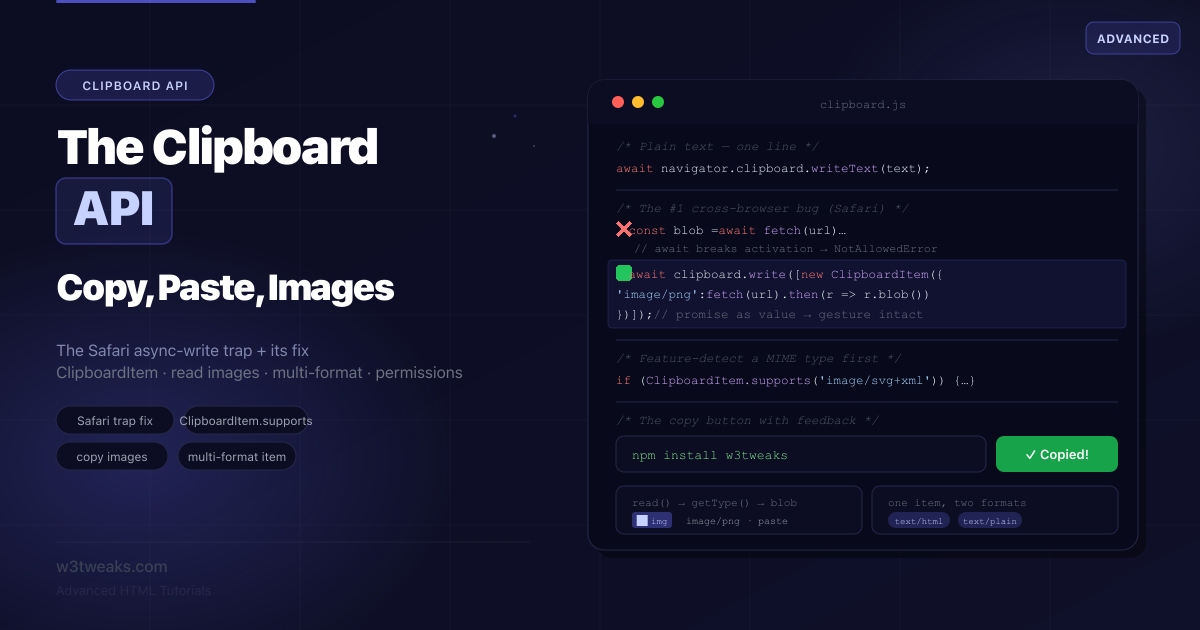
The Clipboard API — Copy, Paste, Images & the Safari Trap
navigator.clipboard.writeText() is one line — but the moment you copy an image or await a fetch before writing, Safari rejects with NotAllowedError because the await broke the user gesture. This guide covers the whole API, the promise-value fix for Safari, ClipboardItem.supports, reading images, the iframe sandbox + Permissions-Policy gotcha that breaks copy in embeds, intercepting the copy event, pasting Excel/Sheets data, accessibility, and a full error-name cheat-sheet.
JavaScript
19 min
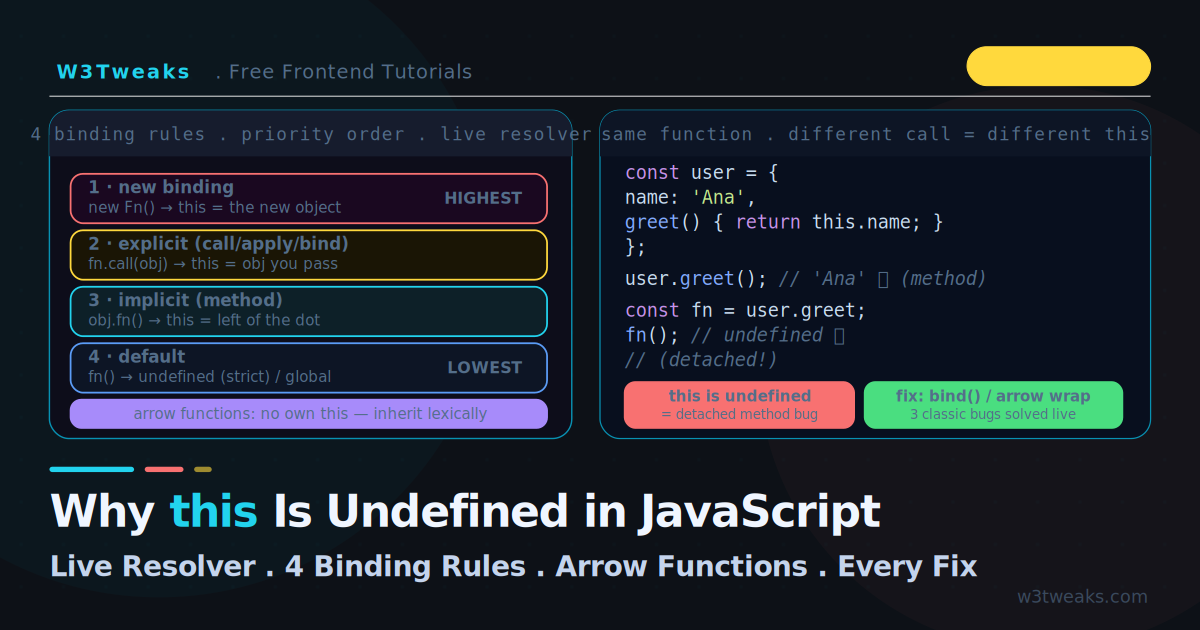
Why this Is Undefined in JavaScript: The 4 Binding Rules
this is undefined is the most-Googled JavaScript bug for a reason: this is decided by HOW a function is called, not where it's defined. This guide has a live resolver — pick a call site and watch this walk the four binding rules in priority order to its final value. Plus the same function getting six different this values, three classic context-loss bugs, ES module quirks, globalThis, event handlers, forEach thisArg, destructured methods, and TypeScript this parameters.
CSS
20 min
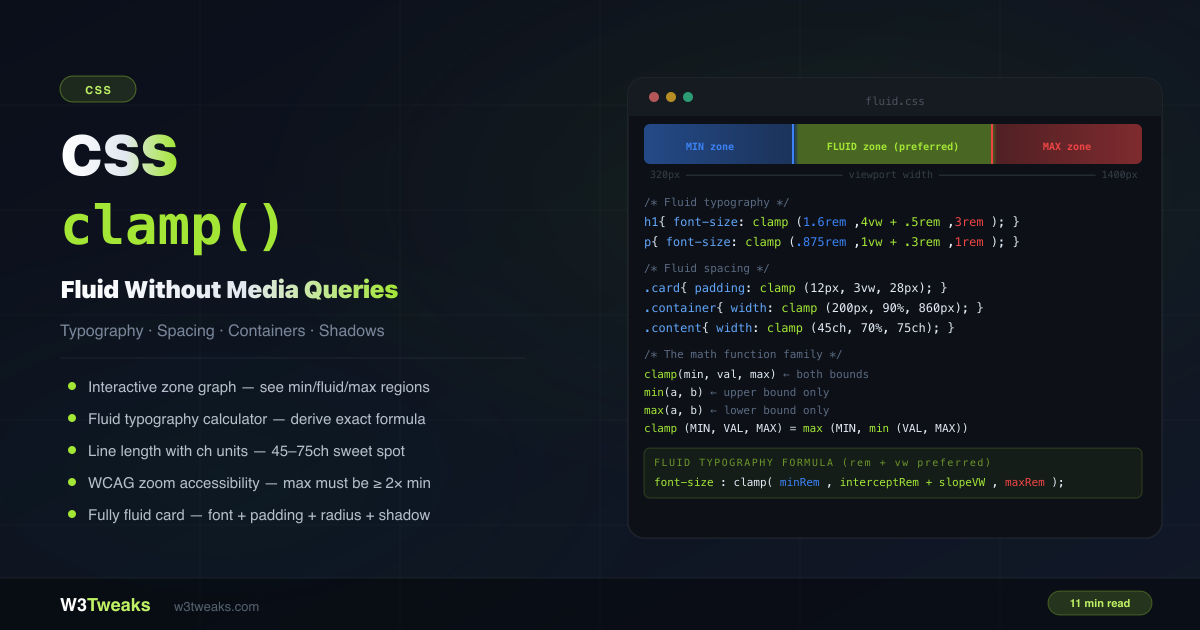
CSS clamp(): Fluid Typography, Spacing & Layouts in One Line
CSS clamp() sets a value that scales fluidly between a minimum and maximum — no media queries, no JavaScript. font-size: clamp(1rem, 4vw, 2rem) is smaller than 1rem on tiny screens, scales with the viewport, and never exceeds 2rem on wide ones. This guide covers the math family (min/max/clamp), the rem+vw preferred formula, a fluid typography calculator, ch units for line length, WCAG zoom requirements, container query units for component-fluid sizing, dynamic viewport units (dvw) for iOS, the var() myth, and a complete fluid card component.
JavaScript
24 min
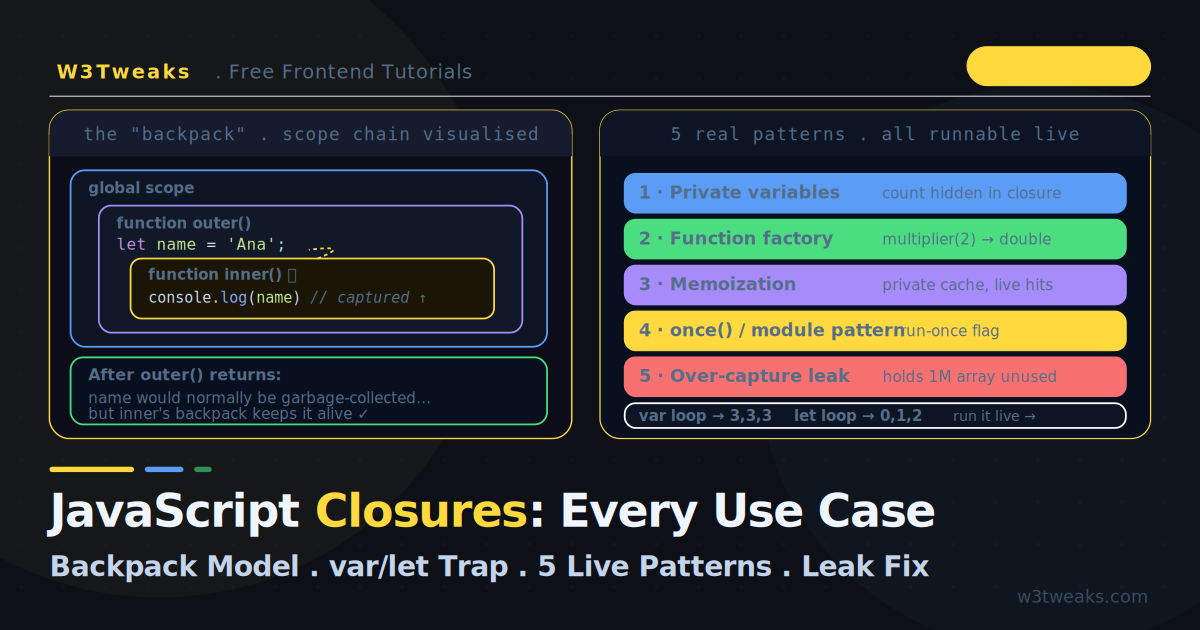
JavaScript Closures: Every Use Case Explained (Live Demos)
Every closures tutorial gives you the same one-line definition and a counter example. This one has live demos — watch a closure's 'backpack' keep variables alive after the outer function returns, run the var-vs-let-vs-IIFE loop trap, and execute five real patterns. Plus what most tutorials skip: #private class fields as the modern alternative, WeakMap memoization for object keys, stale closures in async setInterval (not just React), the interview-question toolkit (debounce + curry + compose), and WeakRef + Symbol.dispose for closure cleanup.
HTML
22 min
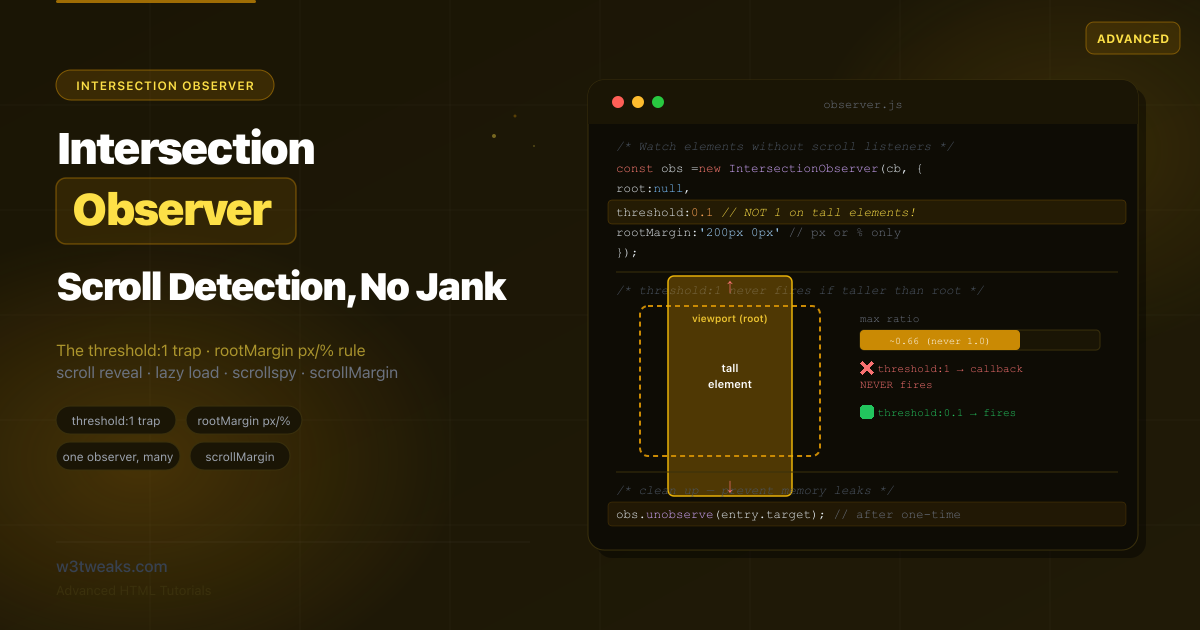
Intersection Observer API: Scroll, Lazy Load & Scrollspy
Most Intersection Observer tutorials give you a fade-in-on-scroll snippet and stop. This guide adds the CSS scroll-driven animations alternative (animation-timeline: view()), content-visibility composition, IntersectionObserver v2 for ad viewability, the sticky header sentinel pattern, React useInView and Vue useIntersectionObserver hooks, Next.js/Astro SSR guards, the jsdom polyfill, an Observer family comparison, takeRecords(), and Element.checkVisibility() — plus all four classic patterns and the threshold:1 trap.
CSS
20 min
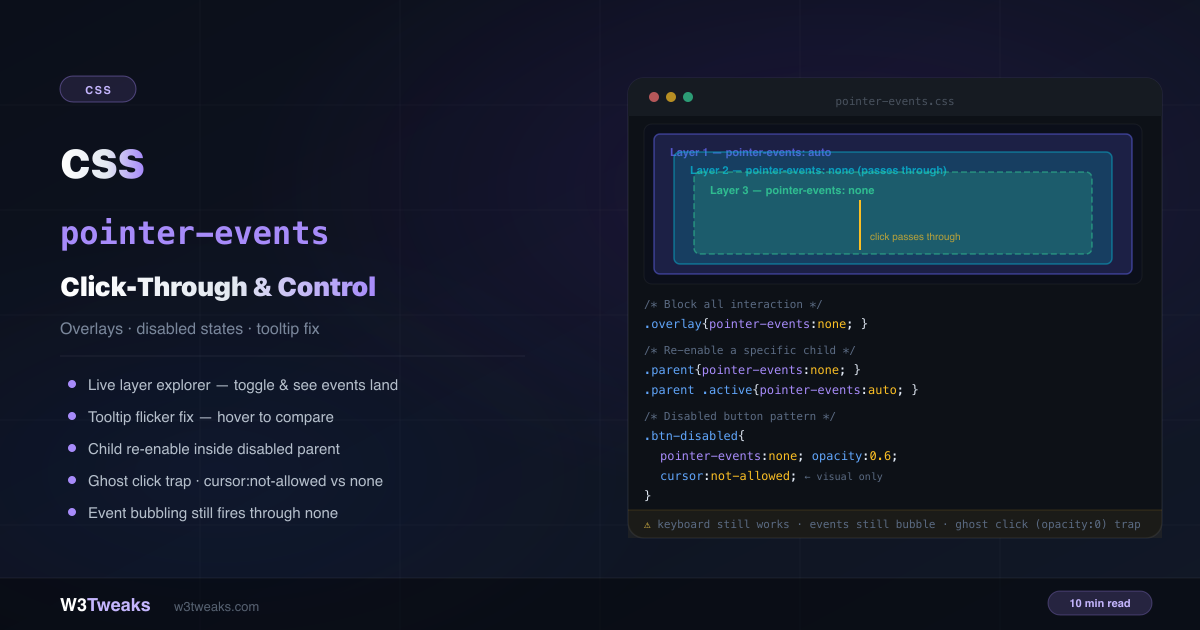
CSS pointer-events: inert, Click-Through, disabled & SVG
pointer-events is a one-line CSS property that controls whether an element can be the target of mouse, touch, and pen interactions. Most guides stop at click-through overlays. This guide adds the inert attribute alternative for disabled subtrees, the disabled-attribute-vs-pointer-events table for native form controls, transition-behavior: allow-discrete for fade-in menus, dialog ::backdrop click-to-close, SVG bounding-box hit areas, map/canvas HUD click-through, the JS Pointer Events API disambiguation, and the senior-dev debugging anti-pattern.