CSS
21 min
CSS mask: Fade, Reveal & Shape Elements (Complete Guide)
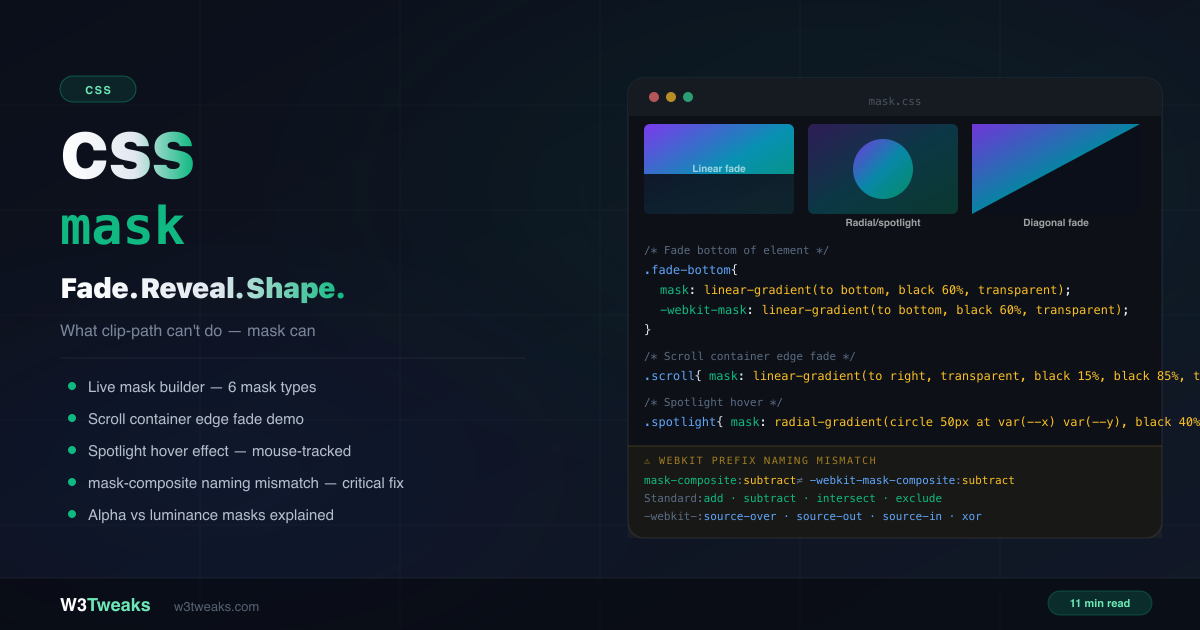
CSS mask uses another image or gradient as a stencil for element visibility. Unlike clip-path's hard edges, mask creates soft fades, partial transparency, and graduated reveals. This guide covers the alpha vs luminance reality (not just black=visible), gradient masks, SVG icon recoloring with currentColor, scroll container edge fades, spotlight hover, wipe reveals, scroll-driven animation-timeline reveals, mask-composite + mask-border, and the -webkit-mask-composite naming mismatch that silently breaks Safari.
CSS
21 min
CSS mix-blend-mode: Blend Text, Images & Colors Like Photoshop
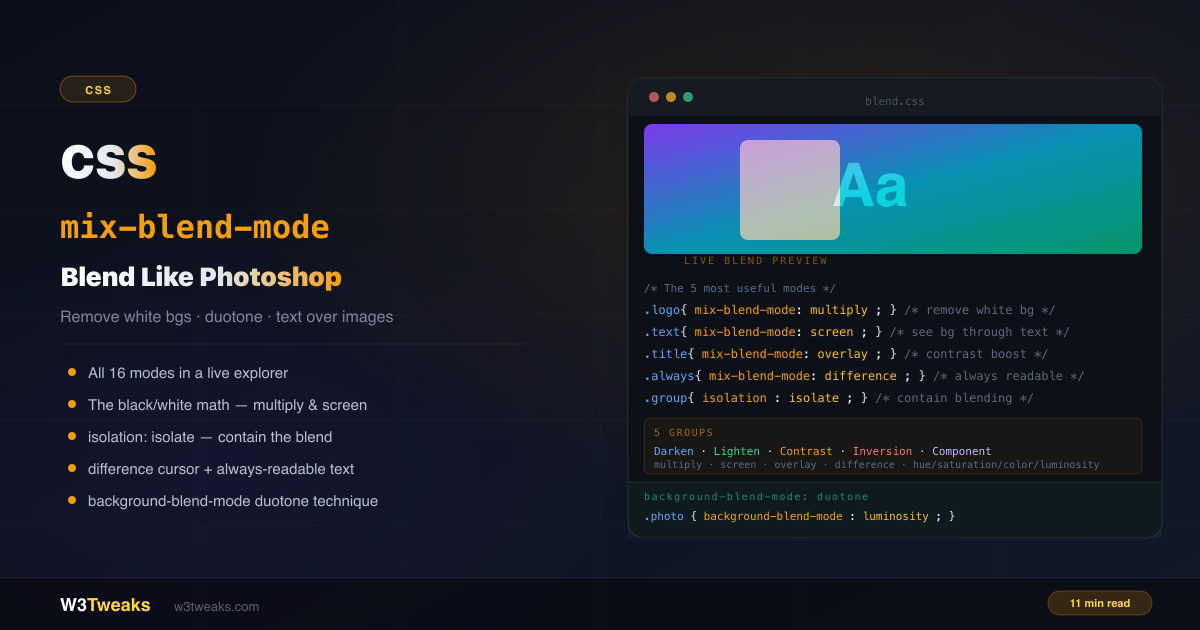
mix-blend-mode lets an element's pixels react to whatever is behind them — the same algorithms Photoshop uses. Remove white backgrounds from logos. Make text always readable (with the WCAG caveat nobody mentions). Build duotone photos in pure CSS or with Spotify-style SVG feColorMatrix. Plus the interaction matrix when mix-blend-mode silently stops working with opacity/filter/transform, plus-lighter/plus-darker (CSS Blending Level 2), animation behavior, glitch/chromatic-aberration patterns, and forced-colors fallbacks.
CSS
21 min
CSS filter & backdrop-filter: The Complete Visual Guide
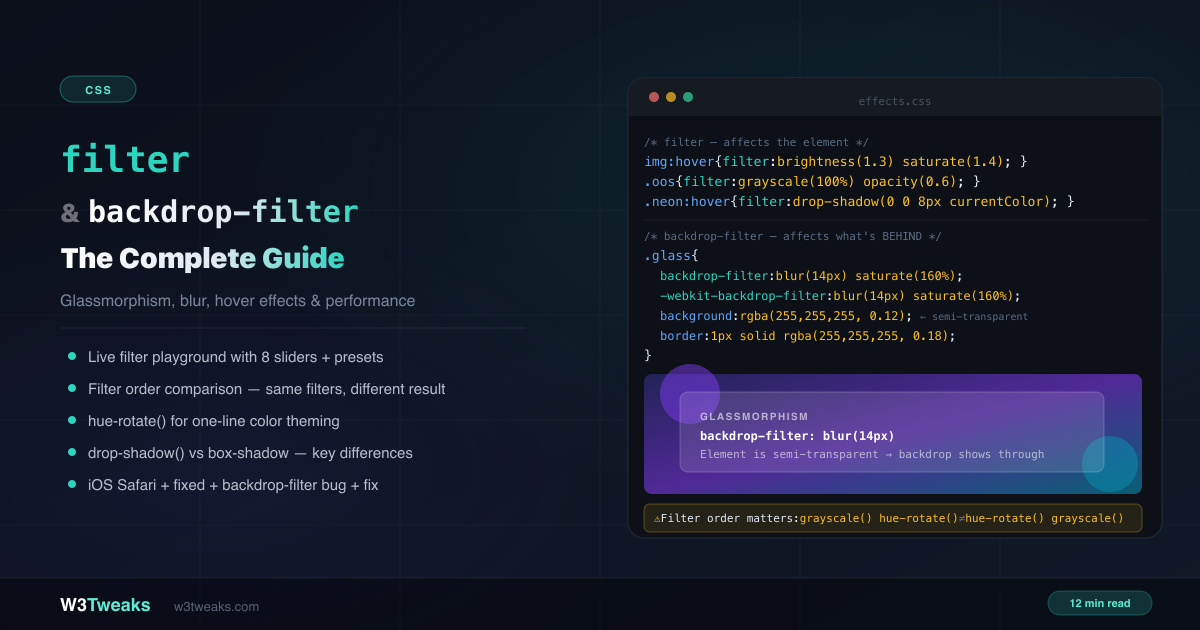
CSS filter applies effects to an element — blur, grayscale, brightness, contrast, drop-shadow. CSS backdrop-filter applies those same effects to whatever is behind the element. This complete guide covers both properties, the filter-order gotcha, drop-shadow vs box-shadow, glassmorphism patterns (including Apple's Liquid Glass + dialog::backdrop modals), filter: url() for SVG-referenced effects like duotone and gooey blobs, prefers-reduced-transparency, @supports fallbacks, forced-colors mode, the iOS Safari fixed-position bug, and performance tiers.
CSS
21 min
CSS clip-path: Create Any Shape — The Complete Guide
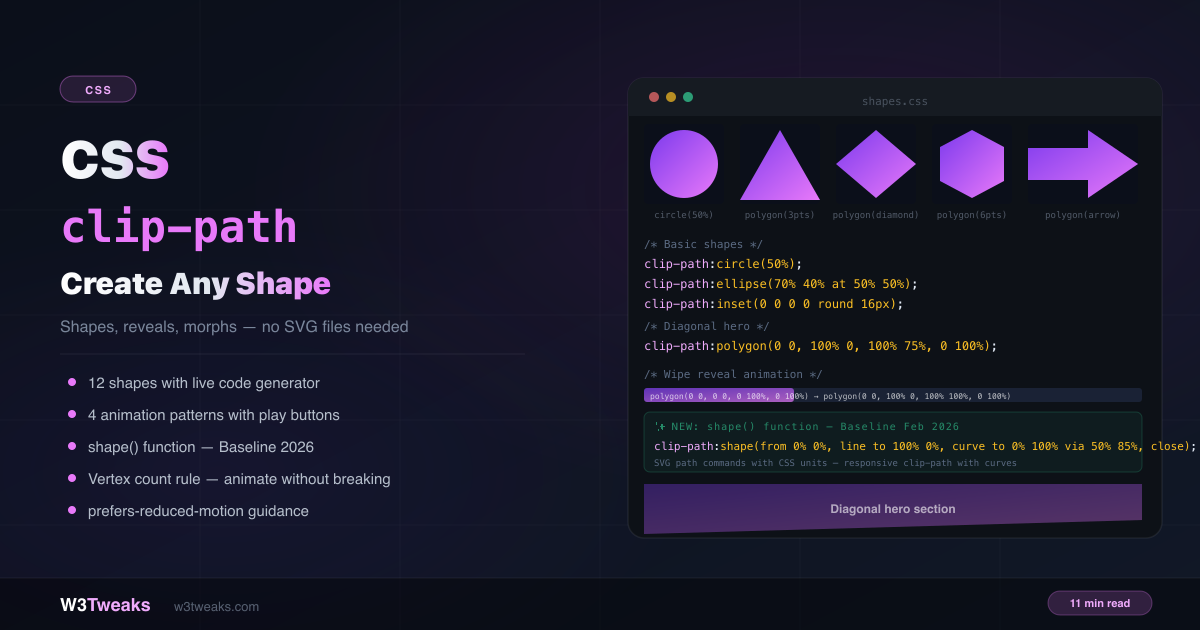
clip-path lets you cut any element into any shape — circles, hexagons, arrows, diagonals, chevrons — with pure CSS. No SVG files, no image masks, no extra HTML. This complete guide covers every value, animation patterns, the new shape()/rect()/xywh() functions, scroll-driven reveals with animation-timeline: view(), clip-path: url() for arbitrary SVG paths, the Clippy generator, hover/click area gotchas, @keyframes loops, and the wrong-tool bugs nobody demonstrates.
CSS
25 min
CSS scroll-snap: Build a CSS Carousel Without JavaScript
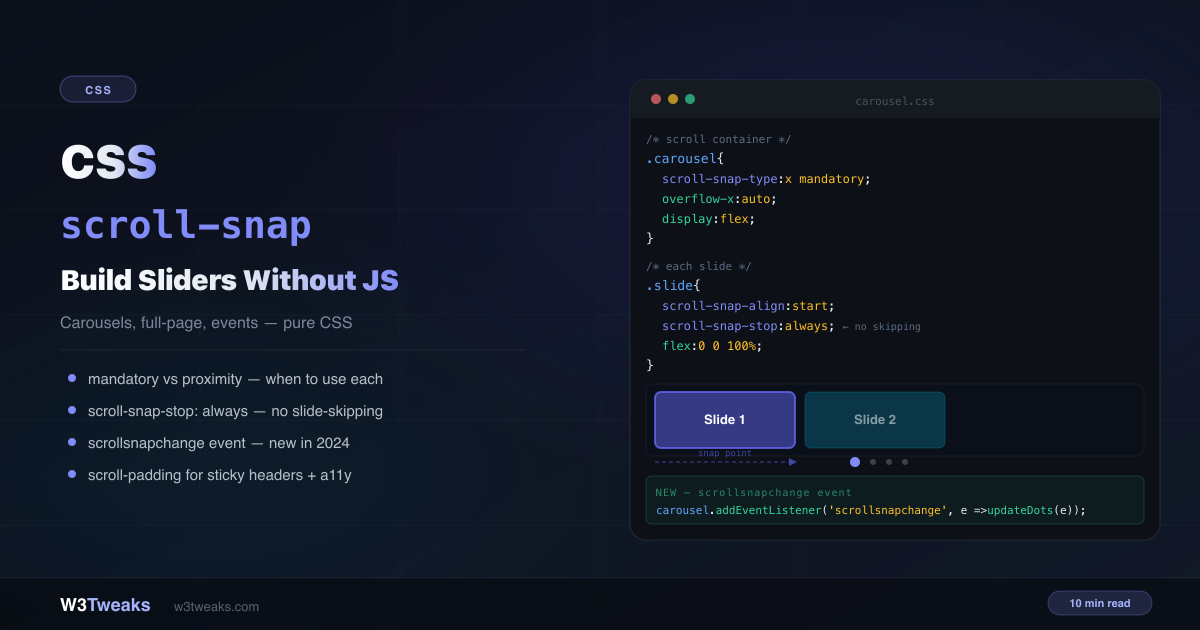
Build a CSS carousel without JavaScript in 5 lines of CSS. This complete guide covers every scroll-snap property, mandatory vs proximity, the new scrollsnapchange event, scroll-padding for sticky headers, the CSS Carousel API (::scroll-marker and ::scroll-button), scroll-driven animations paired with snap, the 100dvh fix for mobile, drag-to-scroll for desktop, keyboard accessibility, and 'scroll snap not working' troubleshooting.
CSS
28 min
CSS @font-face: The Complete Guide to Loading Custom Fonts Right
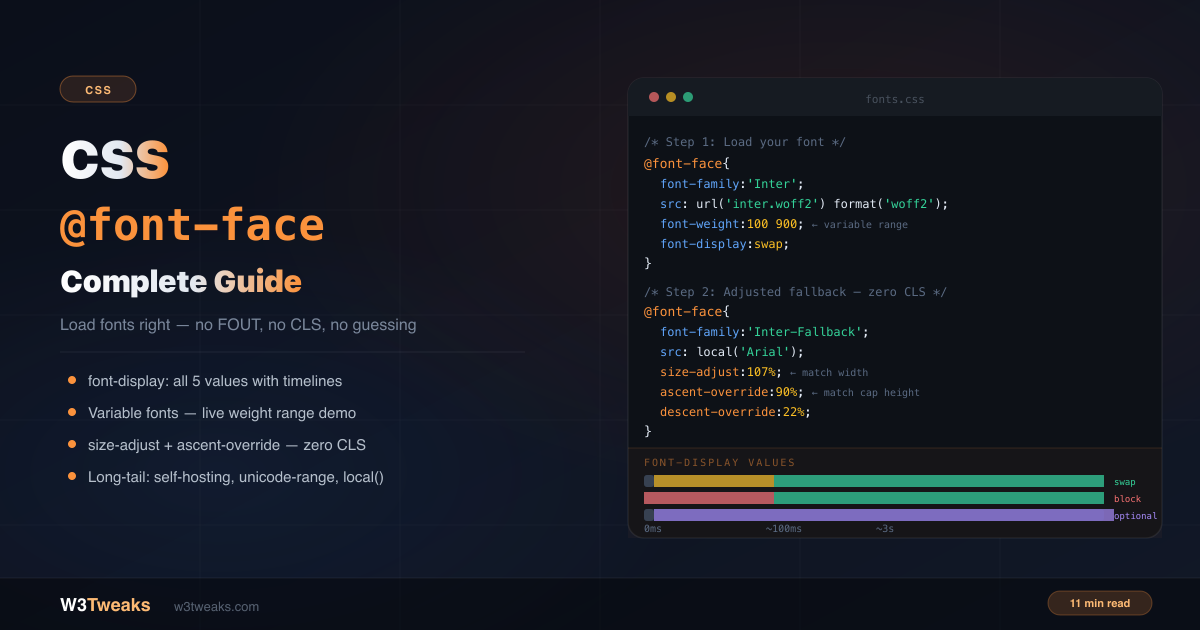
Most @font-face tutorials cover the basics and say 'add font-display: swap'. That's not wrong, but it's about 20% of what you need to know. This guide covers all 5 font-display values, variable font axes, font-synthesis: none, the Font Loading API, font-variant-numeric, modern system font stacks, the adjusted fallback pattern that eliminates layout shift, unicode-range, FOIT/FOUT/FOFT, preload's LCP trade-off, and whether you should still use local() .
CSS
24 min
CSS Selectors You're Not Using (But Should Be)
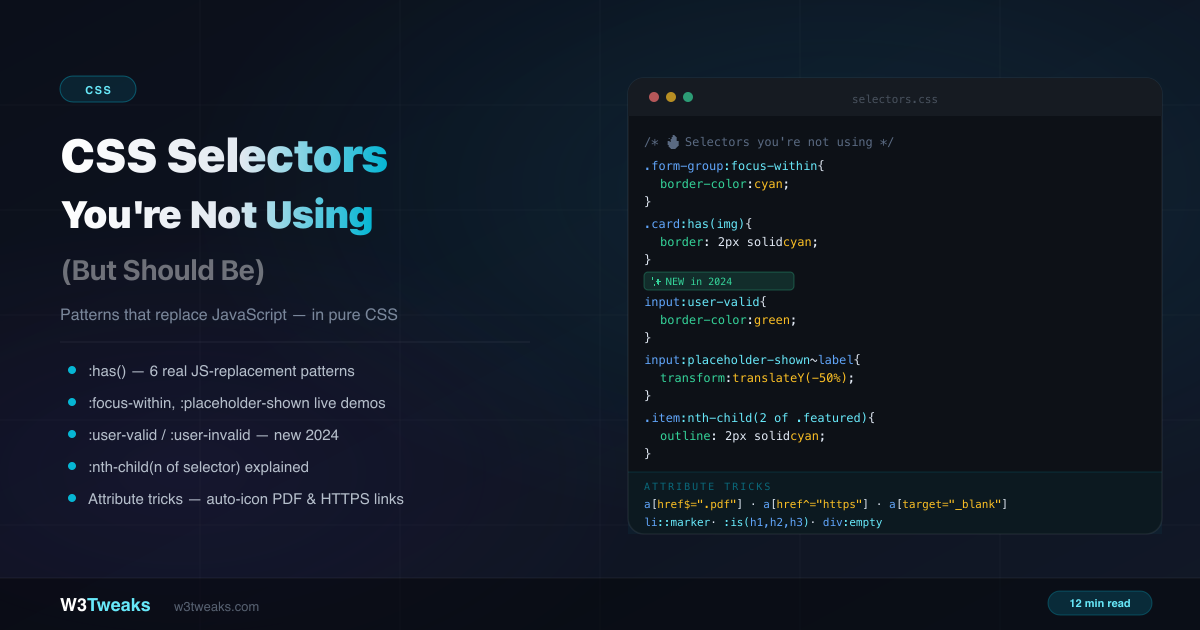
You know div, .class, and #id. But CSS has dozens of selectors that replace JavaScript event listeners, eliminate helper classes, and handle UI state in pure CSS. This guide covers the underused ones actually worth learning — :has(), :focus-within, :user-valid, :nth-child(of selector), :where()'s zero-specificity trick, the :checked + ~ state machine, :target for routable UI, @scope, :defined, :dir(), and more.
CSS
24 min
CSS Specificity Explained: The Complete Cascade Guide
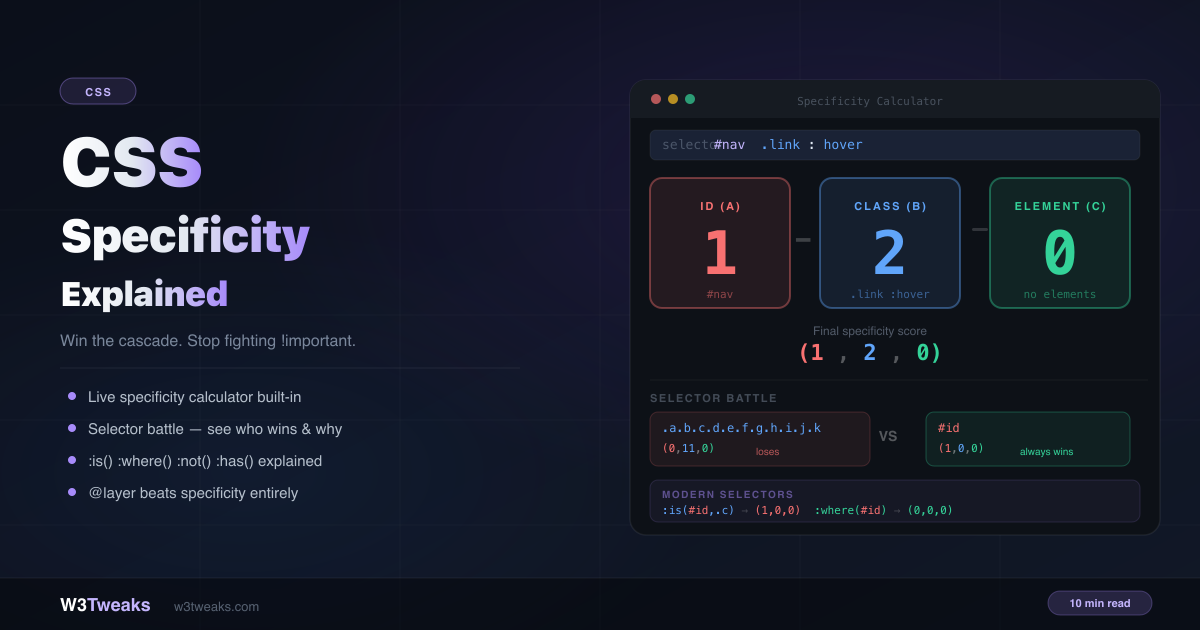
You write a rule that should win. It doesn't. You add !important. Now something else breaks. Specificity fights are the most common source of CSS frustration — and most tutorials only teach half the picture. This guide covers the complete system, including :is(), :where(), @layer, CSS Nesting's hidden specificity trap, and how Tailwind, Vue scoped styles, and CSS Modules each handle specificity differently.
CSS
16 min
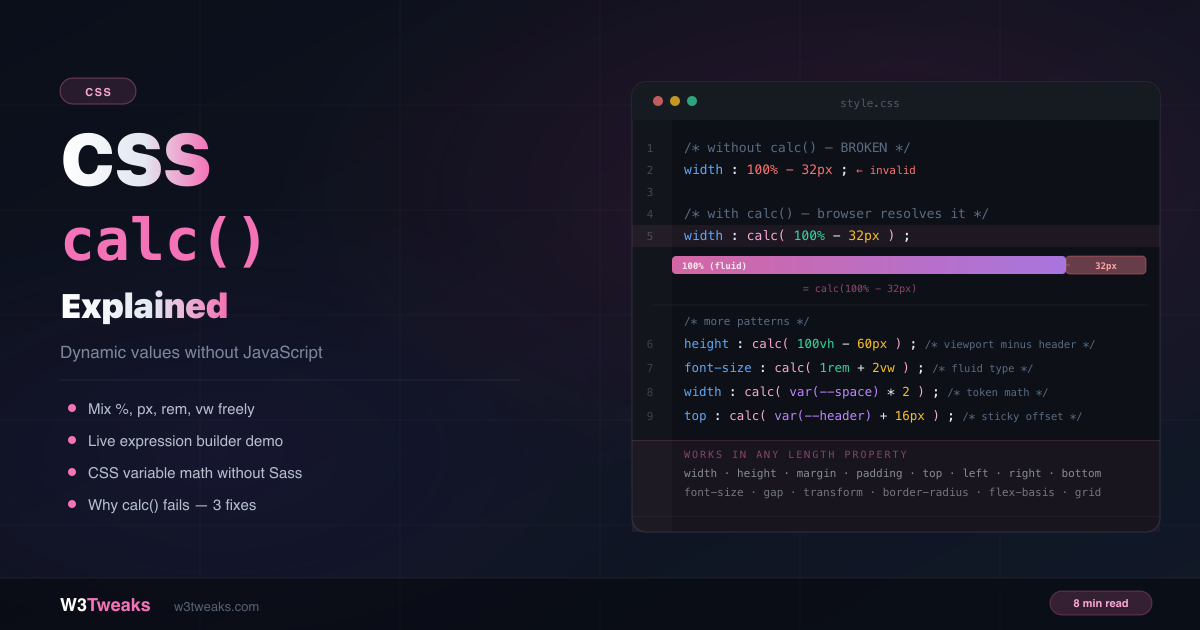
CSS calc() Explained: Dynamic Values Without JS
You can't write width: 100% - 32px in plain CSS — the browser doesn't know what 100% minus 32 pixels equals until layout time. calc() defers that calculation to the browser, solving it at render time when both values are known. No JavaScript needed.
CSS
11 min
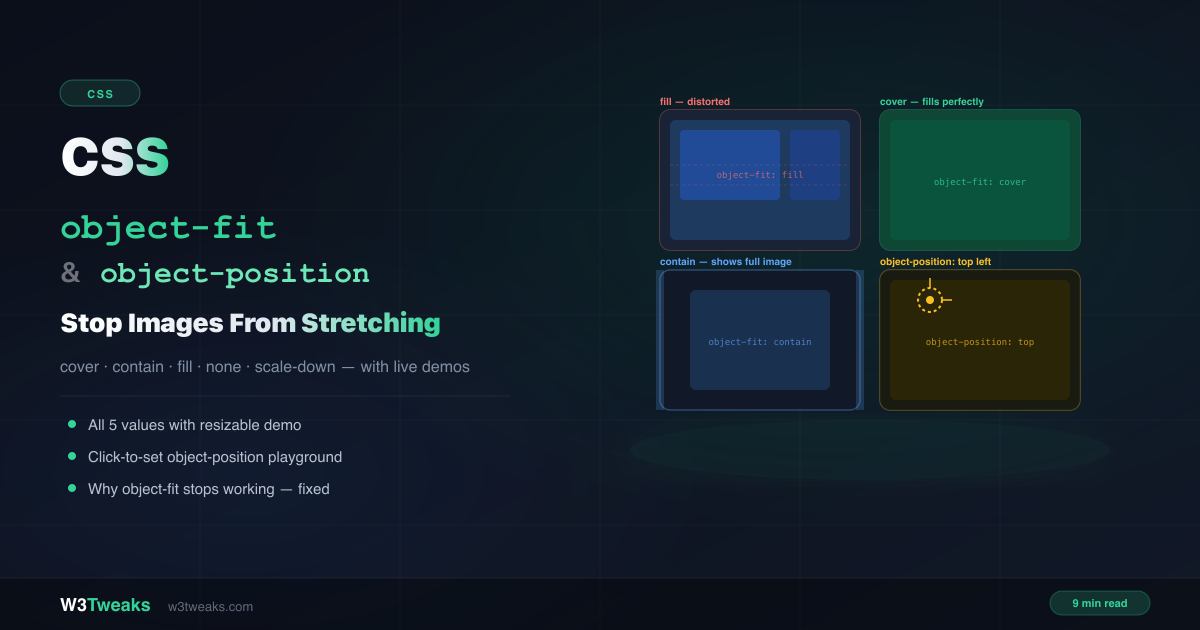
CSS object-fit & object-position: Stop Stretching
You have a card grid where every thumbnail should be the same height. You set width:100% and height:200px on the images — and they all stretch and distort. The fix is two words: object-fit: cover. This guide covers all 5 values, the focal-point trick with object-position, and why object-fit sometimes silently does nothing.
CSS
14 min
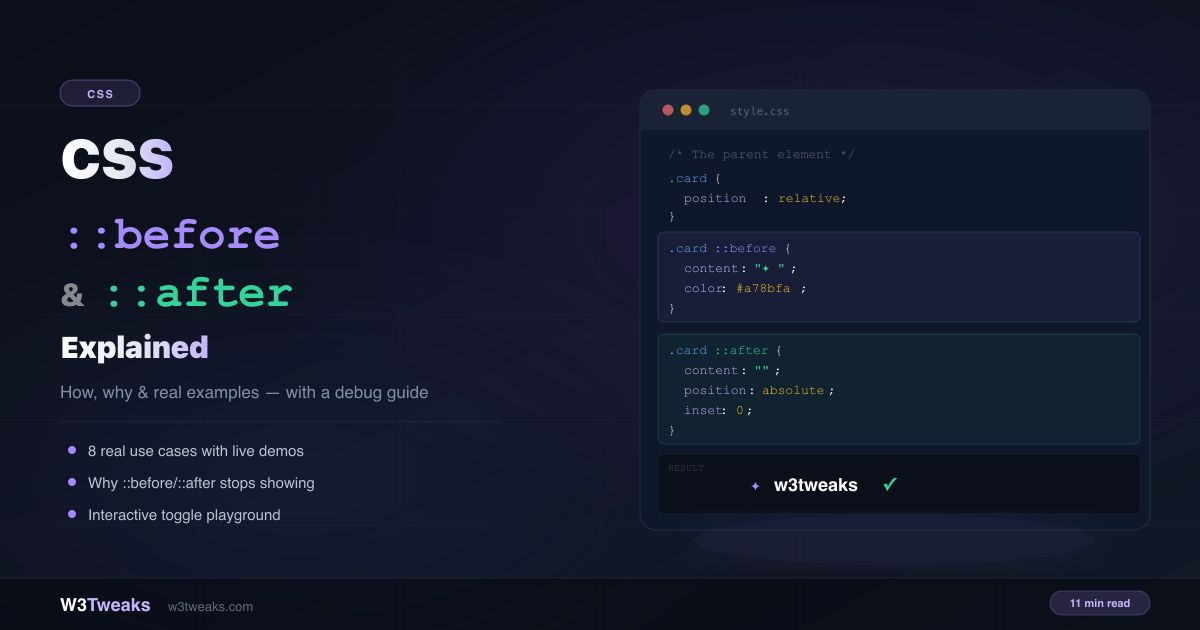
CSS ::before and ::after Pseudo-Elements Explained
Decorative arrows, tooltips, notification badges, quote marks, and animated underlines — without adding a single extra span or div to your HTML. This guide explains how ::before and ::after work, 8 real use cases, and the 5 reasons they silently stop showing.
CSS
12 min
CSS position: sticky — How It Really Works
You add position: sticky; top: 0 to a header and nothing happens. No error — it just silently refuses to stick. This guide explains how sticky really works, the three traps that break it, and the patterns for headers, sidebars, and table headers.