HTML
23 min
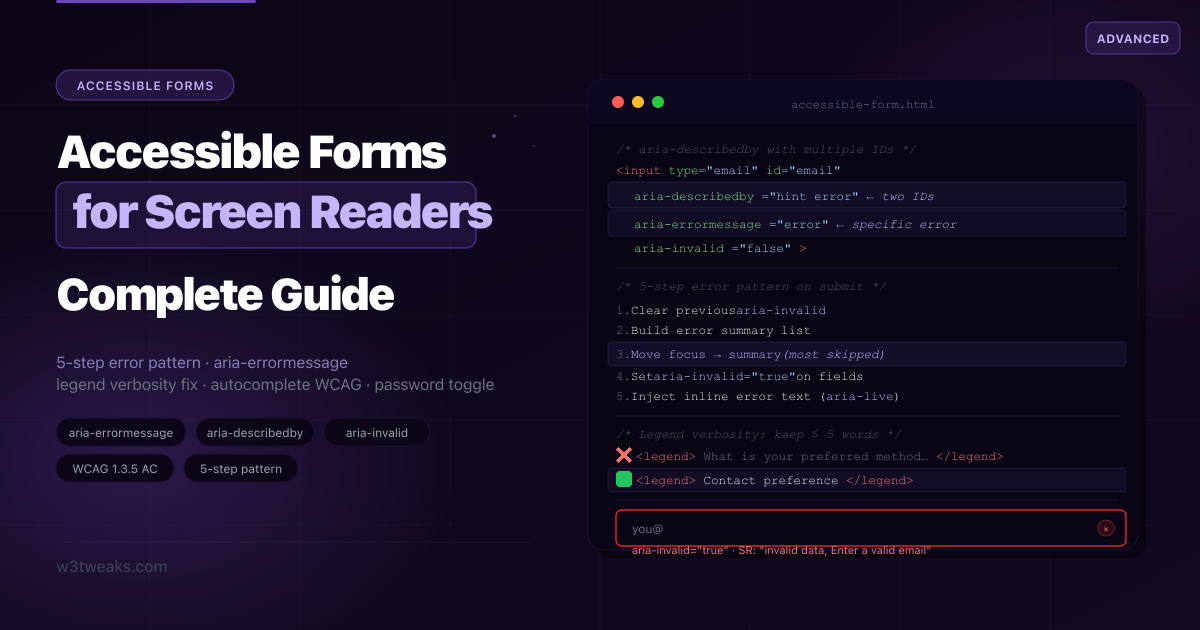
Accessible Forms — Complex Fields for Screen Readers
Over 50% of WCAG failures are form-related. This guide covers what others miss: the fieldset legend verbosity problem, aria-describedby with multiple IDs, aria-errormessage vs aria-describedby (with current screen-reader support data), the 5-step submit error pattern with validation timing, WCAG 2.2 form criteria (Redundant Entry, Accessible Authentication, Target Size), Label in Name + Voice Control, autocomplete + inputmode + enterkeyhint reference, forced-colors mode, role=status for success, when NOT to build a custom select, and a correct accessible password toggle.
HTML
30 min
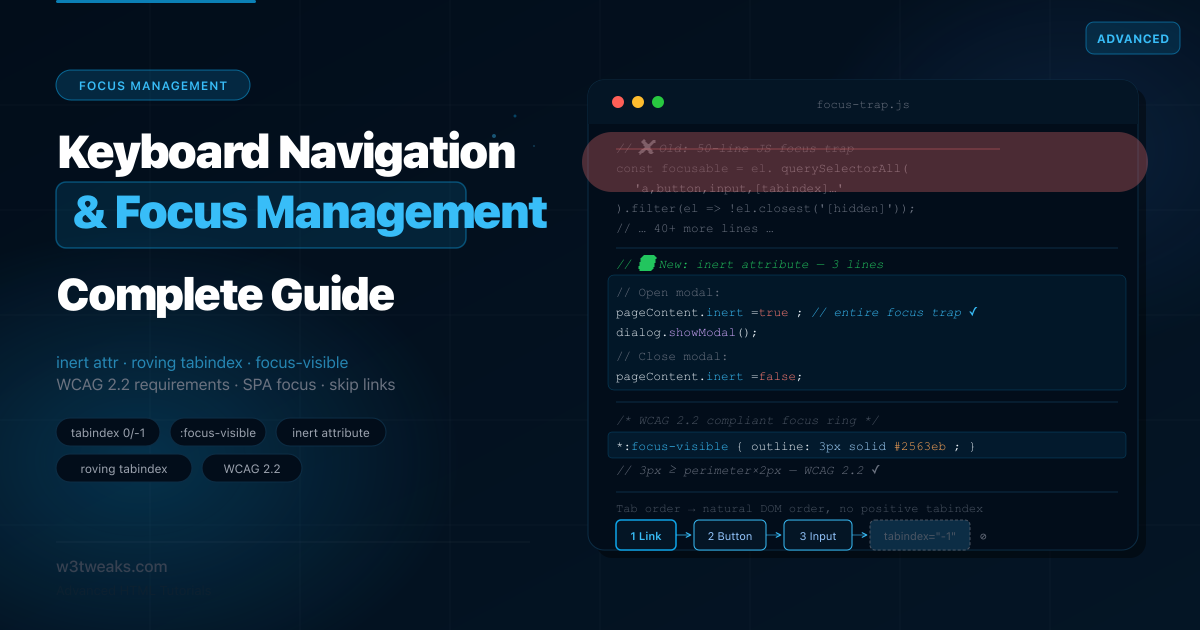
HTML Keyboard Navigation & Focus Management: Complete Guide
Most focus management tutorials still teach a 50-line JavaScript focus trap that the HTML inert attribute replaces in one line. They show skip link patterns with Chrome's bug still in place. They never explain when you still need aria-hidden alongside inert. This guide covers tabindex 0 vs -1, focus-visible vs focus, the WCAG 2.2 numeric focus indicator rules, aria-hidden vs inert, nested modals, roving tabindex vs aria-activedescendant, enterkeyhint for mobile keyboards, and SPA route focus management.
HTML
32 min
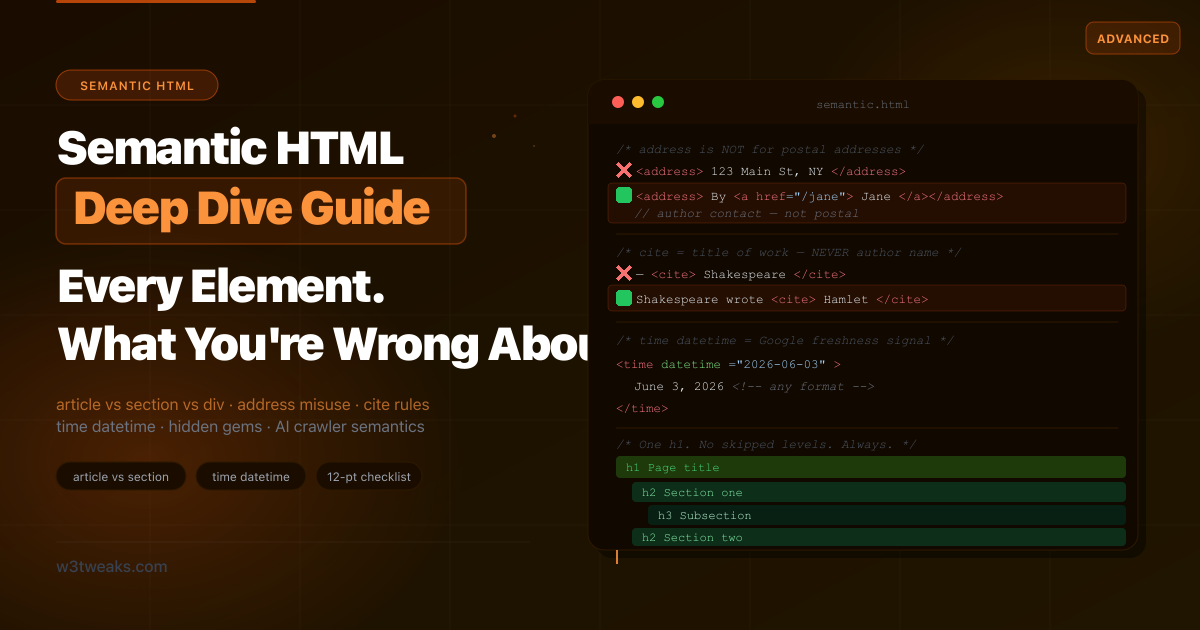
Semantic HTML Guide — Every Element and What You're Getting Wrong
Every tutorial explains what semantic HTML is. Almost none explain that <address> wrapping a postal address is wrong, that <cite> must not contain author names, that HTML5's heading outline algorithm was never implemented by a single browser, or how the First Rule of ARIA quietly justifies the entire reason you should be reading this. This is the guide that covers what others miss — including <em> vs <i>, the <details> exclusive-accordion pattern, the SPA multi-<main> trick, <kbd>/<samp>/<var>, <progress> vs <meter>, and <lang> on subtrees.
HTML
29 min
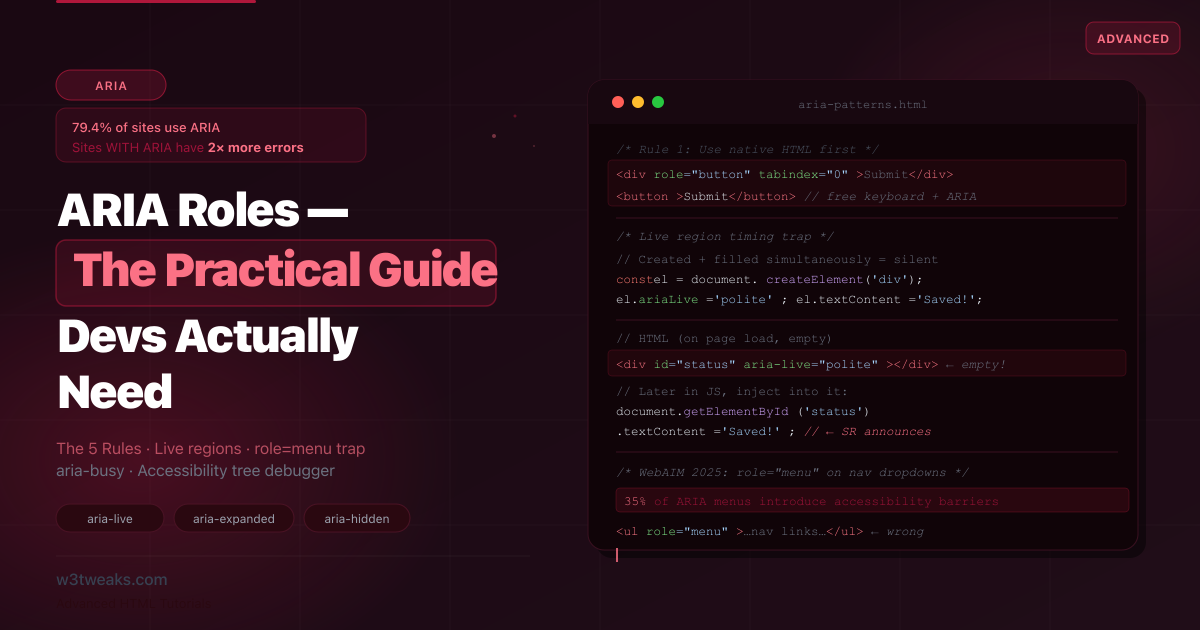
ARIA Roles — The Practical Guide Developers Actually Need
79.4% of websites use ARIA — and those sites have 2× more accessibility errors than sites without it. ARIA is the most powerful accessibility tool in HTML and the most dangerous. This guide shows the patterns that go catastrophically wrong, the role=menu trap, the aria-live timing pitfall, the aria-hidden + focus silent-screen-reader footgun, role=presentation cascading, mobile screen reader divergence, and the DevTools tree-debug workflow nobody documents.
HTML
24 min
HTML datalist — Native Autocomplete & Search UI Guide
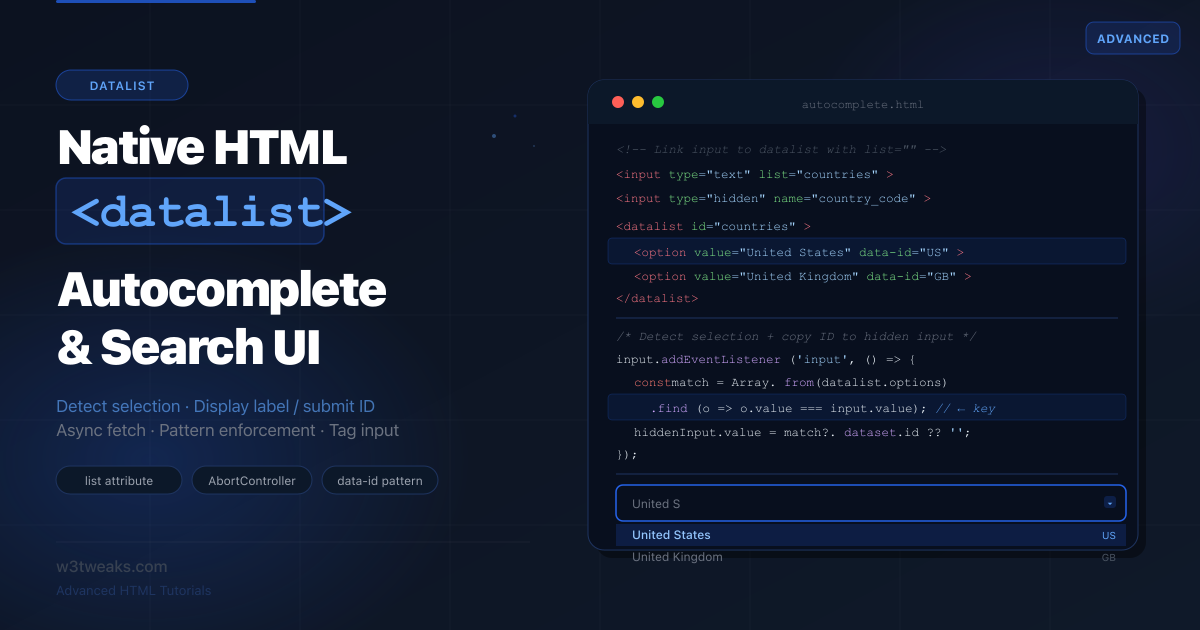
Most datalist tutorials show three lines of HTML and stop. Nobody explains how to detect when a user actually picked from the list, how to show a friendly label while submitting a hidden ID, or which iOS Safari versions silently break the whole feature. This is that tutorial.
HTML
29 min
HTML5 Form Validation Without JavaScript — The Complete Guide
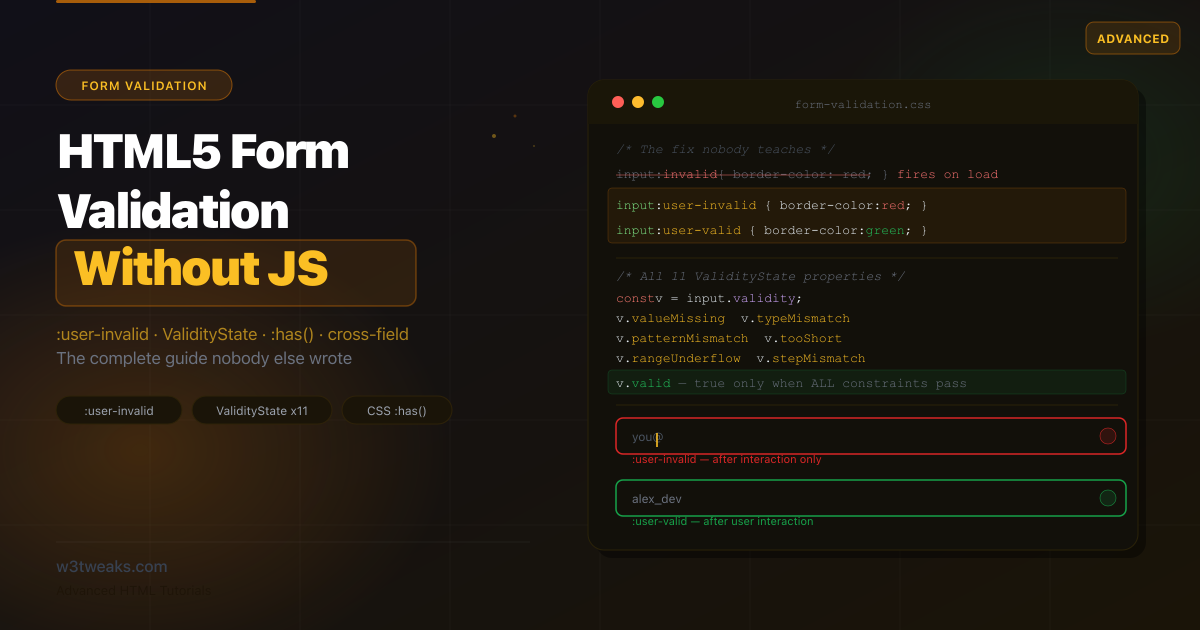
Every tutorial shows you required and pattern then stops. Nobody explains why :invalid turns inputs red before the user touches them, how to fix it with :user-invalid, how autofill silently breaks validation, or how to validate all 11 ValidityState conditions. This is that tutorial.
HTML
18 min
HTML details & summary — Beyond Basic Accordions
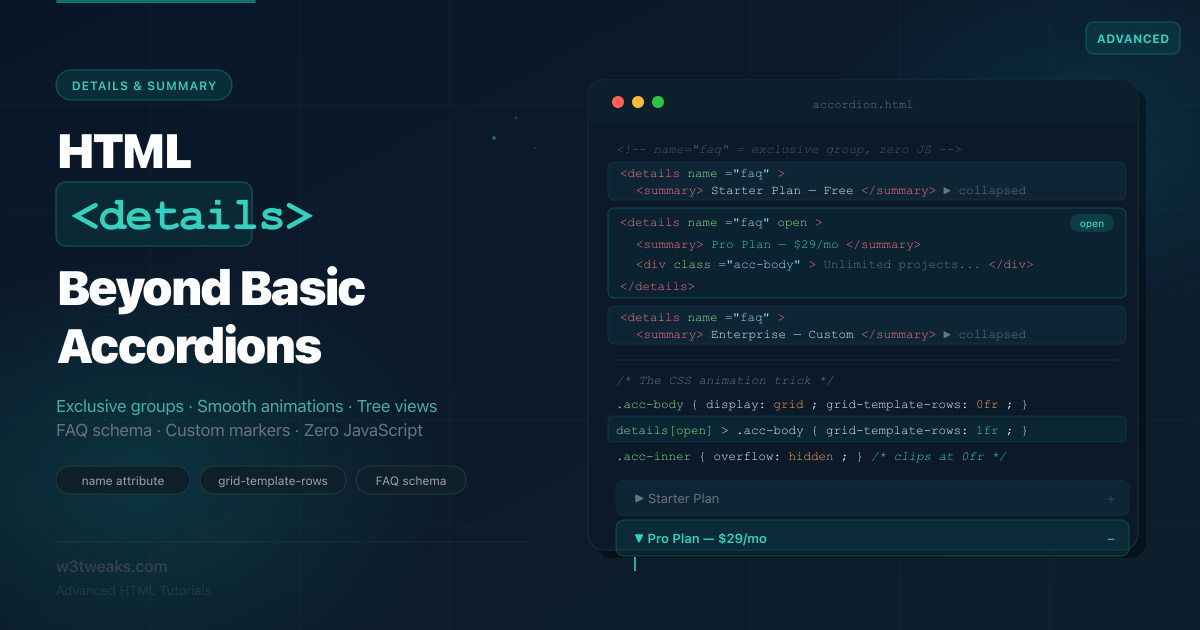
Most developers use details for a one-off toggle and move on. But the native details element has exclusive accordion behavior built into HTML, smooth animation via a pure CSS grid trick, and direct SEO impact through FAQ rich results. Here's everything it can do — zero JavaScript required.
HTML
22 min
The HTML Popover API — Complete Guide (No Libraries)
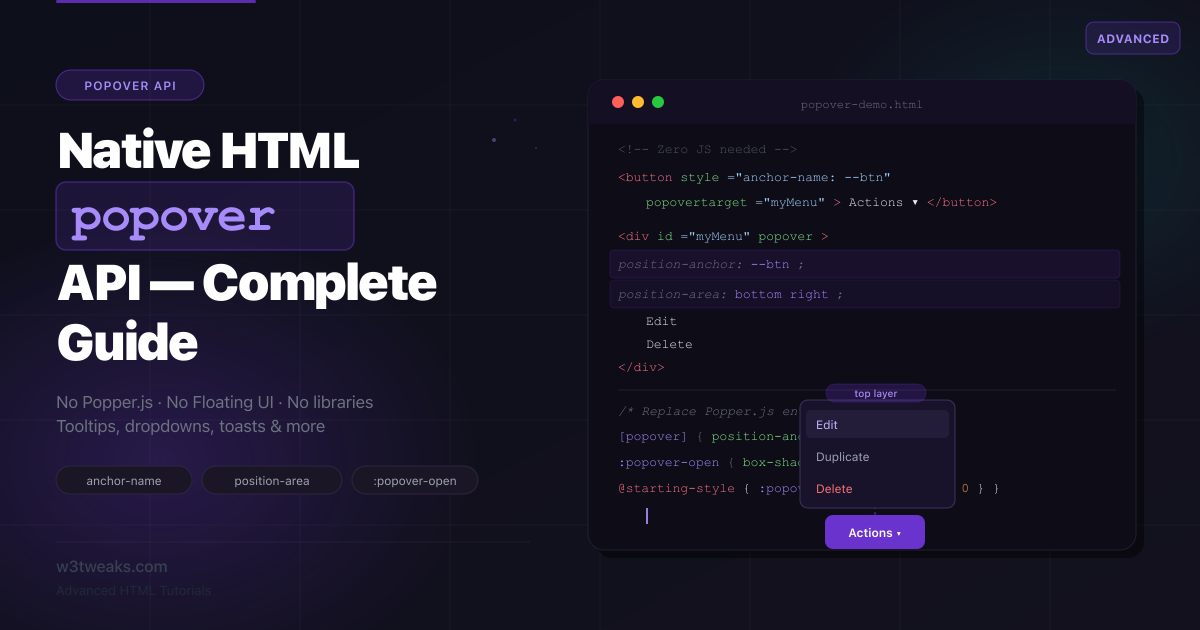
Popper.js, Floating UI, Tippy.js — developers reach for JS libraries just to position a tooltip. The native Popover API does it with a single HTML attribute. Here's everything it can do, from basic tooltips to a full command palette, with zero dependencies.
HTML
14 min
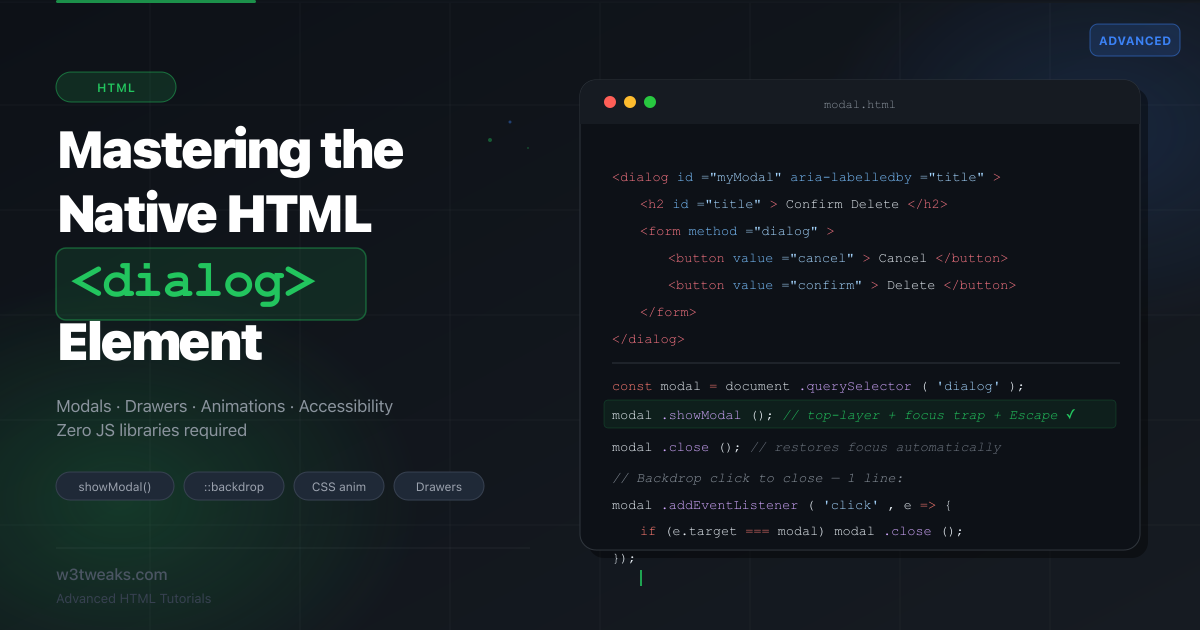
The HTML dialog Element: Complete Guide
The native HTML dialog element handles focus trapping, accessibility, top-layer rendering, and the backdrop — all out of the box. Stop shipping Bootstrap modals and 200-line JS overlay hacks. Here's everything dialog can do, from basic modals to animated drawers.
HTML
4 min
The Benefits of Using Multi Step Forms in HTML
Discover the advantages of using multi step forms in HTML for a better user experience and higher conversion rates.
HTML
3 min
HTML media tags
HTML
1 min
6 Cool Things You Can Do With HTML