Free CSS toast/notification collections. A website’s or app’s user experience can be improved by adding toast notifications because they deliver feedback and unimportant information in an aesthetically pleasing way.
There are numerous collections of free CSS toasts and notifications online that developers may use to incorporate this UI design concept into their applications. Typically, these collections contain pre-written HTML and CSS code that is simple to edit to match the particular requirements of the project.
CSS Toast Messages + Remove Animation
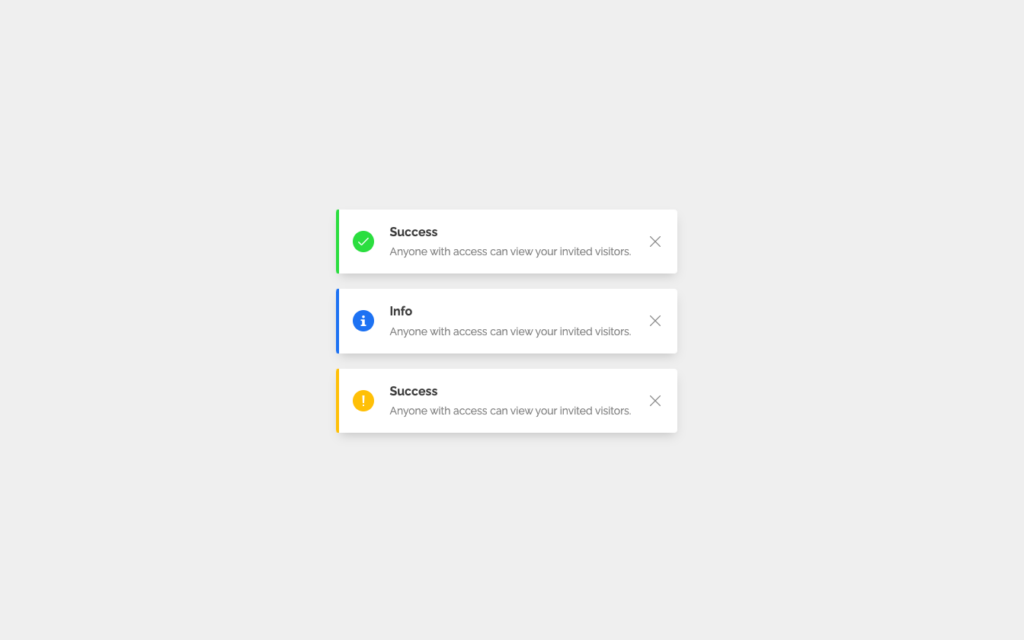
Toast Messages UI components with jquery remove animation
Author: Veronica · Made with: HTML / CSS / JS · Created: JUNE 6, 2018 · Updated: JUNE 6, 2018 · Dependency: jquery.js
Pure CSS/JS Toast Notification
Click on the button to show the Toast. It will disappear after 5 seconds.
Author: Pierre Smith · Made with: HTML / CSS / JS · Created: APRIL 25, 2017 · Updated: APRIL 26, 2017
CSS-only Notifications Component
This is a Sass mixin that provides notifications functionality using little-to-none Javascript. It makes use of CSS transitions and animations to display notifications as popups or bars on different locations of the viewport. The best thing is that it is fully customizable and easy to use. 🙂
Author: Damián Muti · Made with: HTML / SCSS / JS · Created: JUNE 10, 2017 · Updated: SEPTEMBER 24, 2021 · Dependency: jquery.js
Interactive SVG Toast
This is the interactive version of the animation I built live at the Reasons To Be Creative conference 2015.
Author: Chris Gannon · Made with: HTML / CSS / JS · Created: SEPTEMBER 9, 2015 · Updated: JANUARY 28, 2017 · Dependency: TweenMax.js DrawSVGPlugin.js Draggable.js ThrowPropsPlugin.js
toastr.js test
toastr.js test
Author: Nikola Petrovic · Made with: HTML / SCSS / JS · Created: DECEMBER 16, 2015 · Updated: DECEMBER 16, 2015
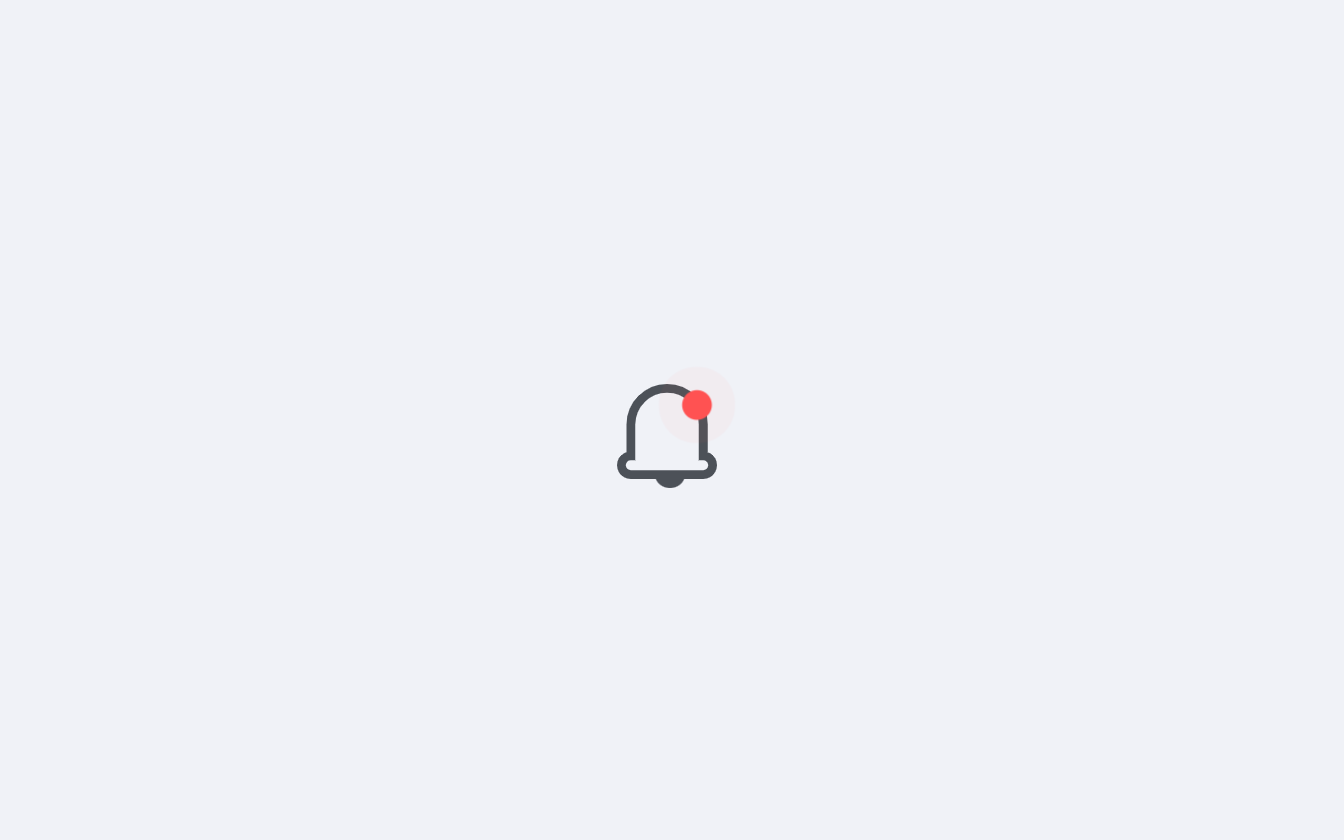
App Icon Notification
App Icon Notification
Author: Pavel Laptev · Made with: HTML / SCSS / JS · Created: MARCH 1, 2016 · Updated: MARCH 1, 2016 · Dependency: jquery.jsjquery-ui.js TweenMax.js
CSS Xbox One Achievement
As an avid Xbox Gamer and always wanting to push myself, I decided to recreate the Xbox One Achievement Toast.
Author: Alan Wynn · Made with: HTML / SCSS / JS · Created: MARCH 15, 2016 · Updated: NOVEMBER 17, 2020 · Dependency: jquery.js
IOS Notification Fold Toggle
The iOS Notification Fold Toggle refers to a feature in iOS that allows users to expand and collapse the notification center on their iPhone or iPad. The Notification Fold Toggle can be accessed by swiping down from the top of the screen to reveal the Notification Center. If there are multiple notifications, the user can tap on the “Show Less” or “Show More” text at the top of the Notification Center to toggle the fold and either show fewer or more notifications.
Author: alphardex · Made with: HTML / SCSS / JS · Created: September 01, 2020 · Updated: September 01, 2020 · Dependency: aqua.css all.css
Notification Bell
Design a notification component where an SVG icon is animated while a message is introduced from the side.
Author: Gabriele Corti · Made with: HTML / CSS / JS · Created: July 11, 2019 · Updated: July 11, 2019
Bell Ring – Notifications
Bell Ring – Notifications
Author: Braydon Coyer · Made with: HTML / SCSS / TypeScript · Created: JANUARY 29, 2020 · Updated: MARCH 4, 2020
A user interface design technique called CSS Toast or Notification is used to show a brief message or alert to them. Usually, it appears briefly on the screen before automatically disappearing after a predetermined period of time.
Toasts are frequently used to inform users of the results of an action they have taken, such as verifying the submission of a form or the saving of a file. Additionally, non-essential information, like fresh email notifications or reminders, can be displayed through notifications.
Using CSS, CSS Toasts may be designed to match the appearance and feel of a website or application. Changing the background color, adding rounded edges, and changing the text size and style are a few examples of typical styles.
Developers who want to use a CSS Toast can make a container element, like a div, and then style and position it using CSS. The Toast’s visibility and timing can both be managed by JavaScript.
The use of CSS toast as a design pattern rather than a standard component of HTML or CSS should not be overlooked. This means that different websites and programs may implement CSS Toasts in quite different ways.