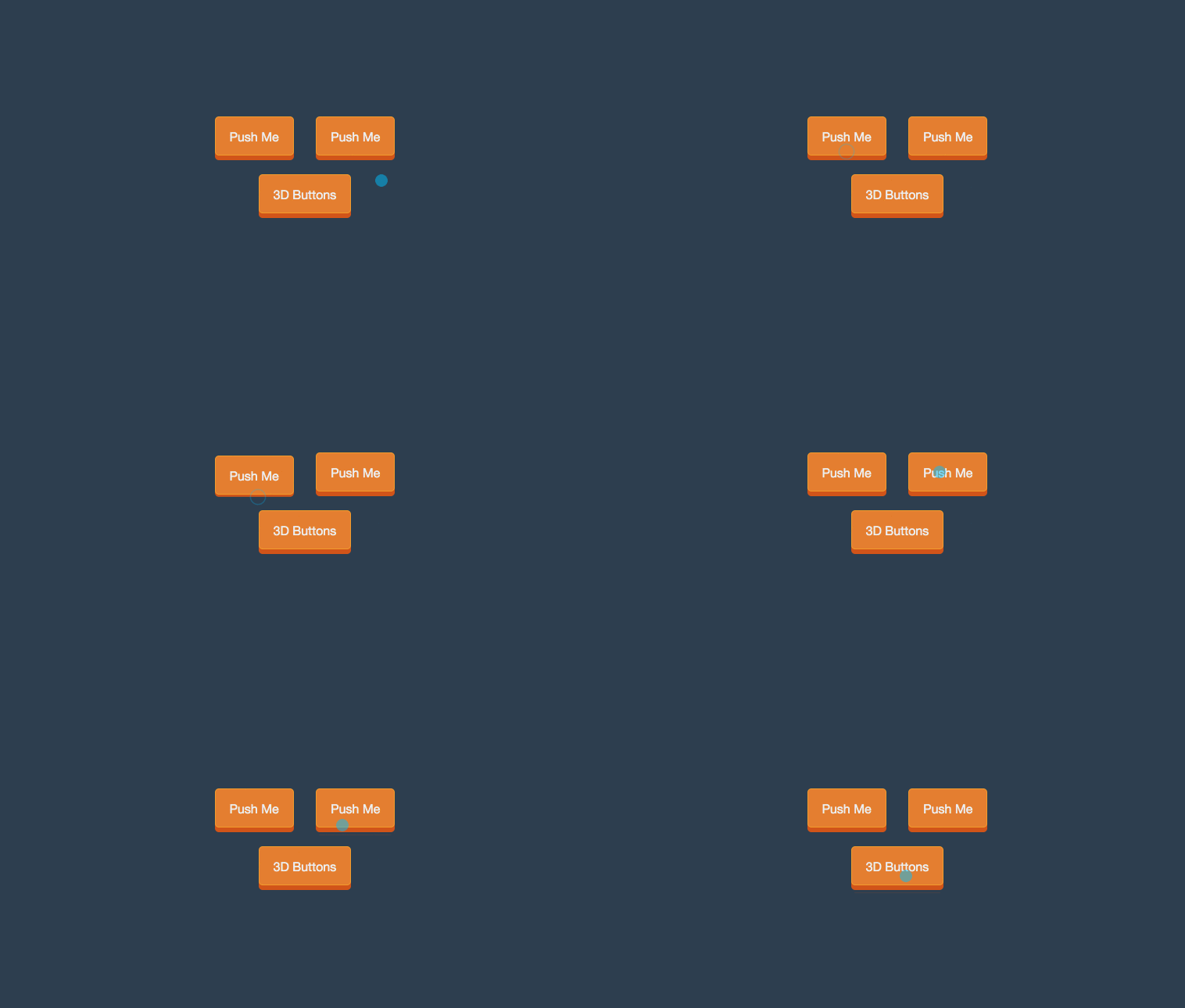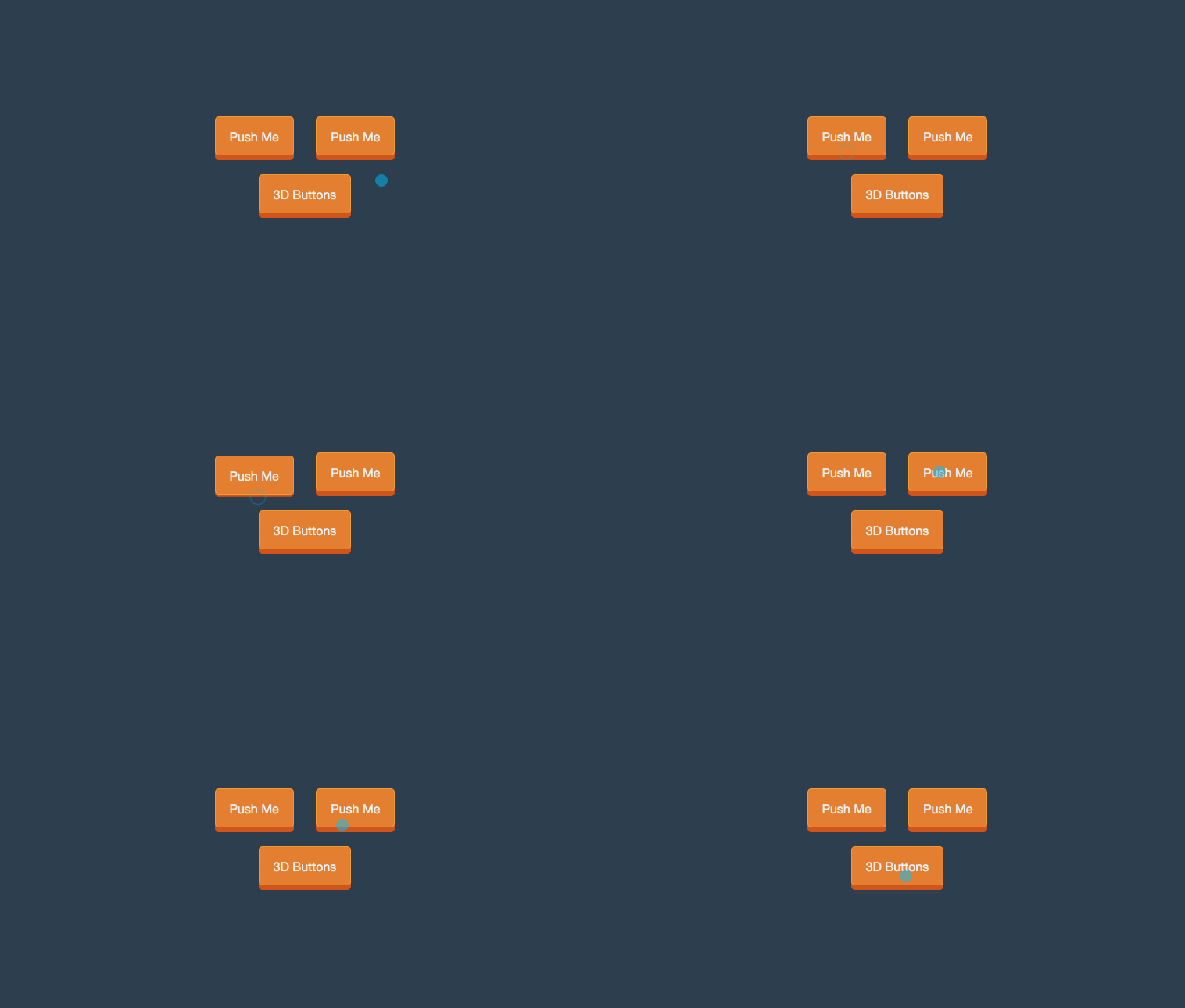
Creating CSS buttons with flat colors & 3D push effects using only css3 and HTML. Demo and Download available.
Author Kanishk Kunal
Created NOVEMBER 27, 2014
License Open
Compatible browsers Chrome, Firefox, Safari
HTML Snippet
`<h1>3D CSS Buttons</h1> <br> <a href="#" class="button-3d">Push Me</a> <a href="#" class="button-3d">Push Me</a><br> <a href="https://superdevresources.com/3d-css-button/" target="_blank" class="button-3d">3D Buttons</a>`CSS Code
` body { text-align: center; color:#ecf0f1; background-color: #2c3e50; font-family: "Helvetica Neue",Helvetica,Arial,sans-serif; margin-top: 20px; } .button-3d { position:relative; width: auto; display:inline-block; color:#ecf0f1; text-decoration:none; border-radius:5px; border:solid 1px #f39c12; background:#e67e22; text-align:center; padding:16px 18px 14px; margin: 12px; -webkit-transition: all 0.1s; -moz-transition: all 0.1s; transition: all 0.1s; -webkit-box-shadow: 0px 6px 0px #d35400; -moz-box-shadow: 0px 6px 0px #d35400; box-shadow: 0px 6px 0px #d35400; } .button-3d:active{ -webkit-box-shadow: 0px 2px 0px #d35400; -moz-box-shadow: 0px 2px 0px #d35400; box-shadow: 0px 2px 0px #d35400; position:relative; top:4px; }`Preview